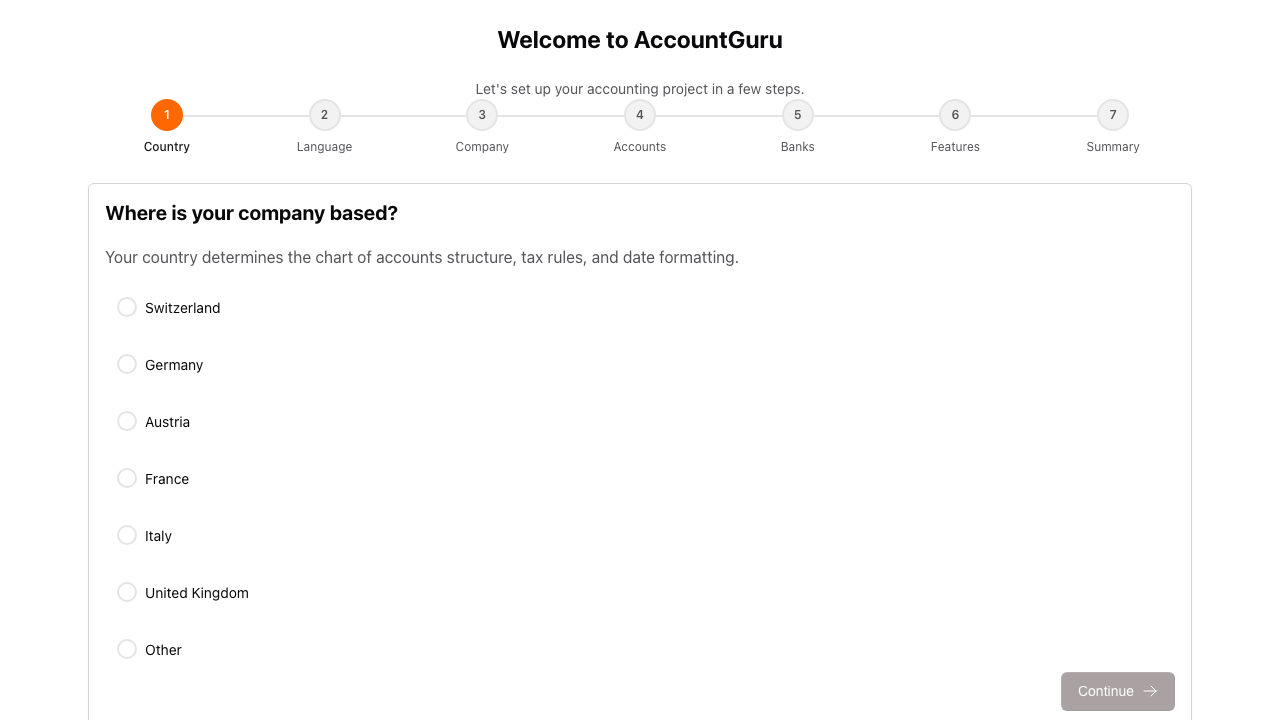
Country Selection
Select the jurisdiction that will determine the initial accounting and tax setup.
This page summarises the accounting, reporting, banking, payroll, and configuration functionality currently available in AccountGuru. It is intended as a practical product overview for finance teams, accountants, and administrators.
Each section below covers one functional area of the system and shows the main screens available for that area. Use this page to understand which tasks can already be handled directly in AccountGuru.
The setup workflow establishes the accounting structure of a new project, including localisation, company information, chart of accounts, bank connections, and optional modules.
Select the jurisdiction that will determine the initial accounting and tax setup.
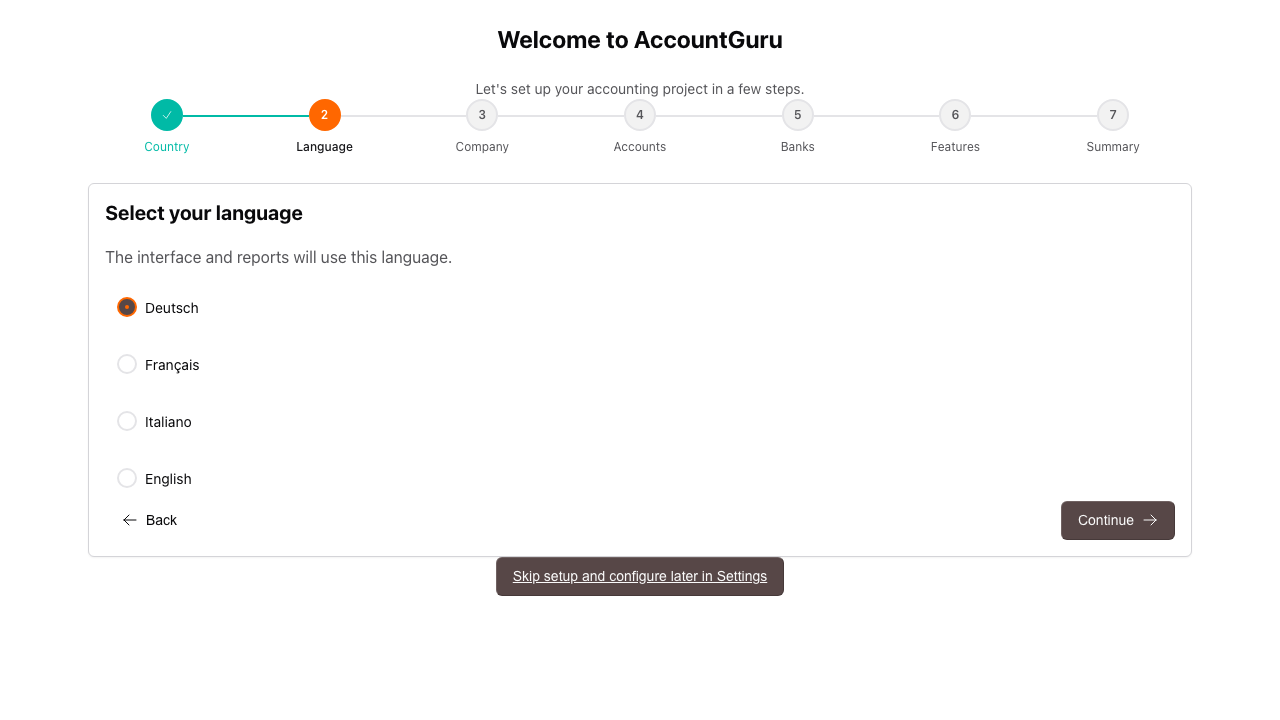
Choose the interface language for users working in the project.
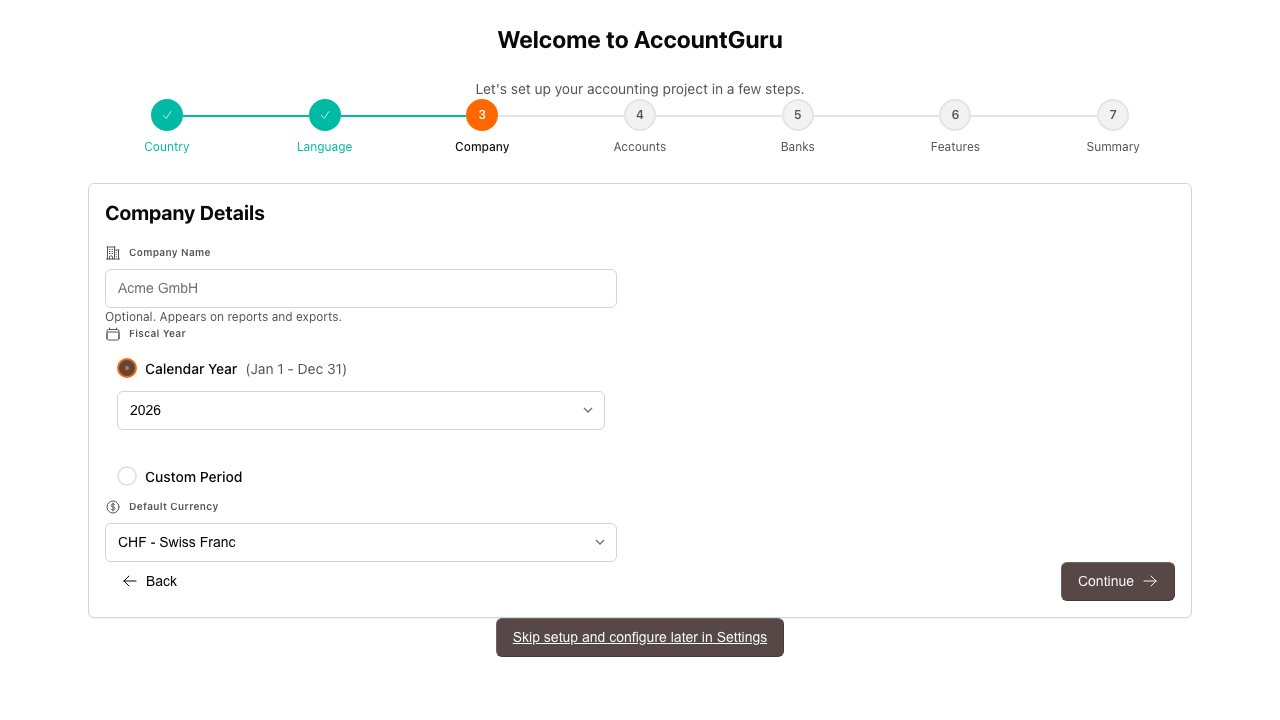
Enter the legal entity name, fiscal year settings, and reporting currency.
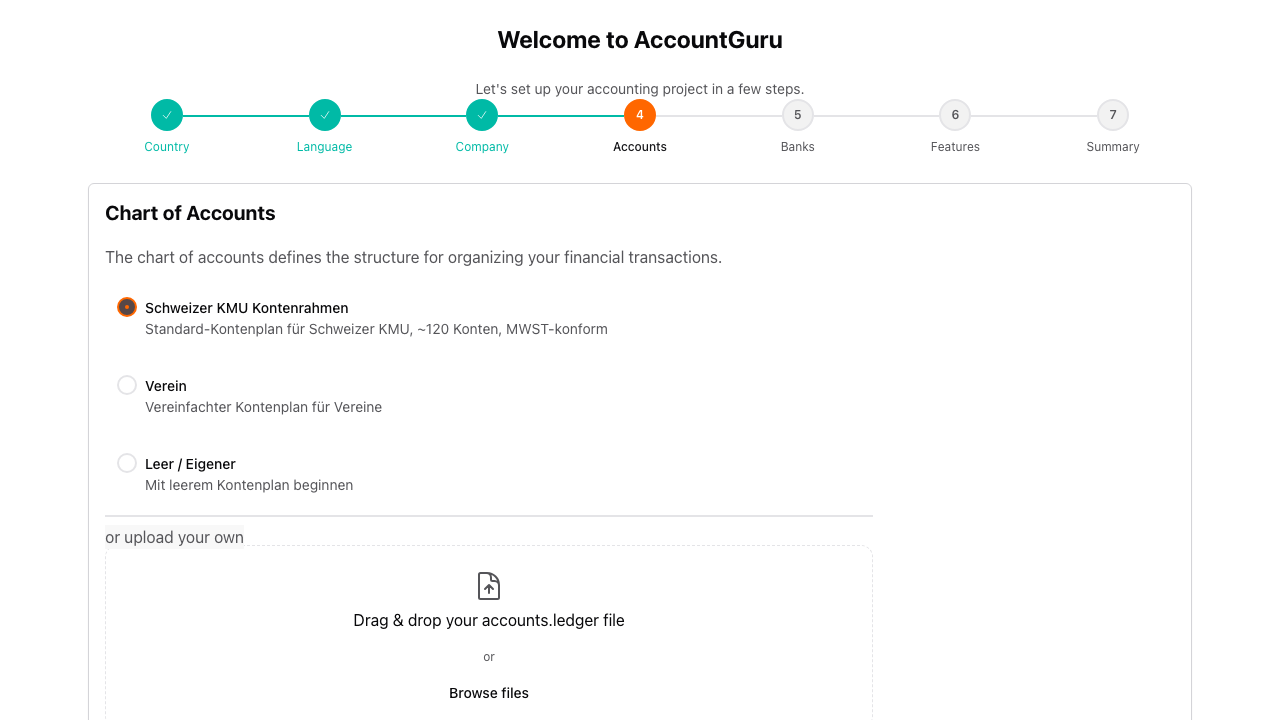
Start from a standard chart of accounts or upload a custom structure.
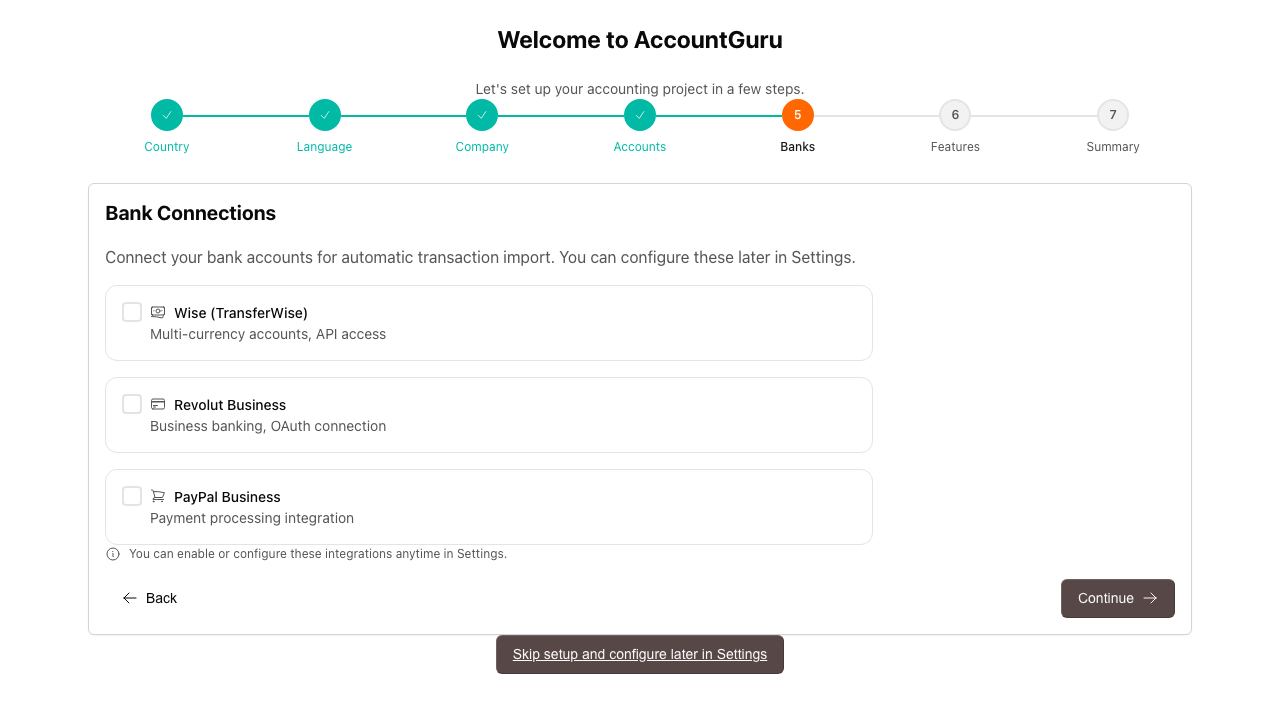
Configure bank integrations early if you want to automate transaction imports.
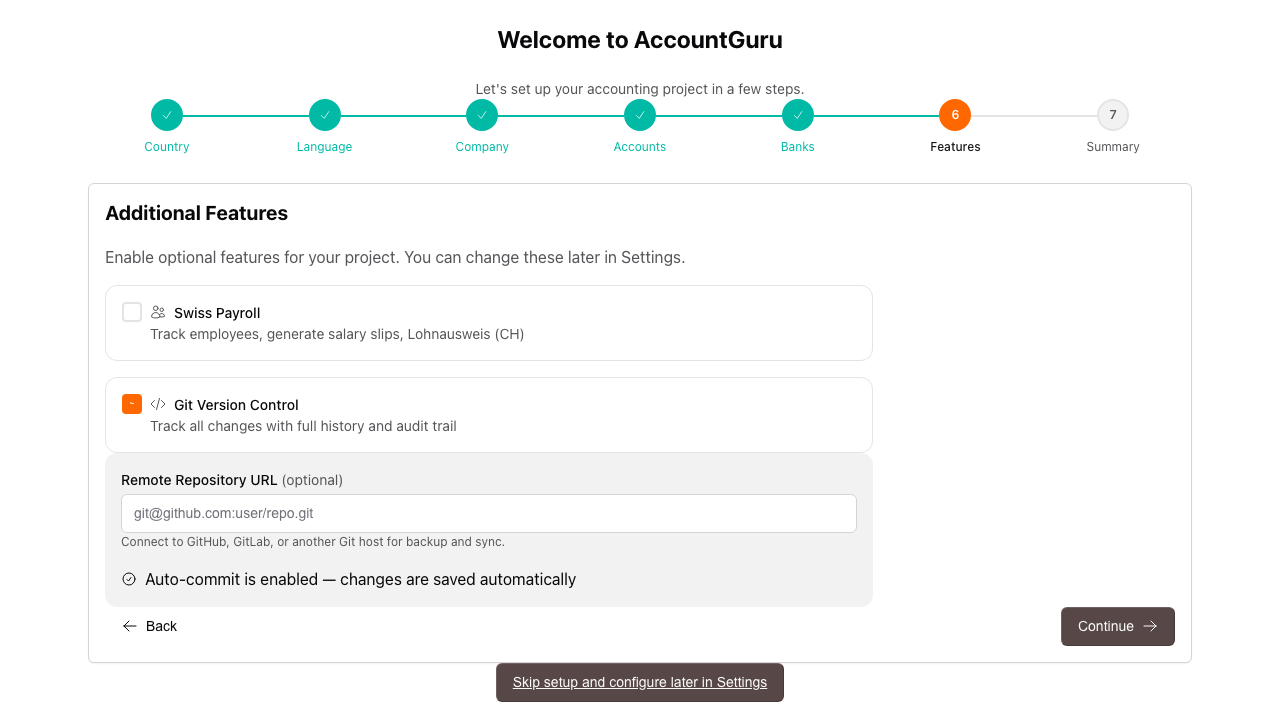
Enable additional functionality such as payroll, bank statement parsing, or version history.
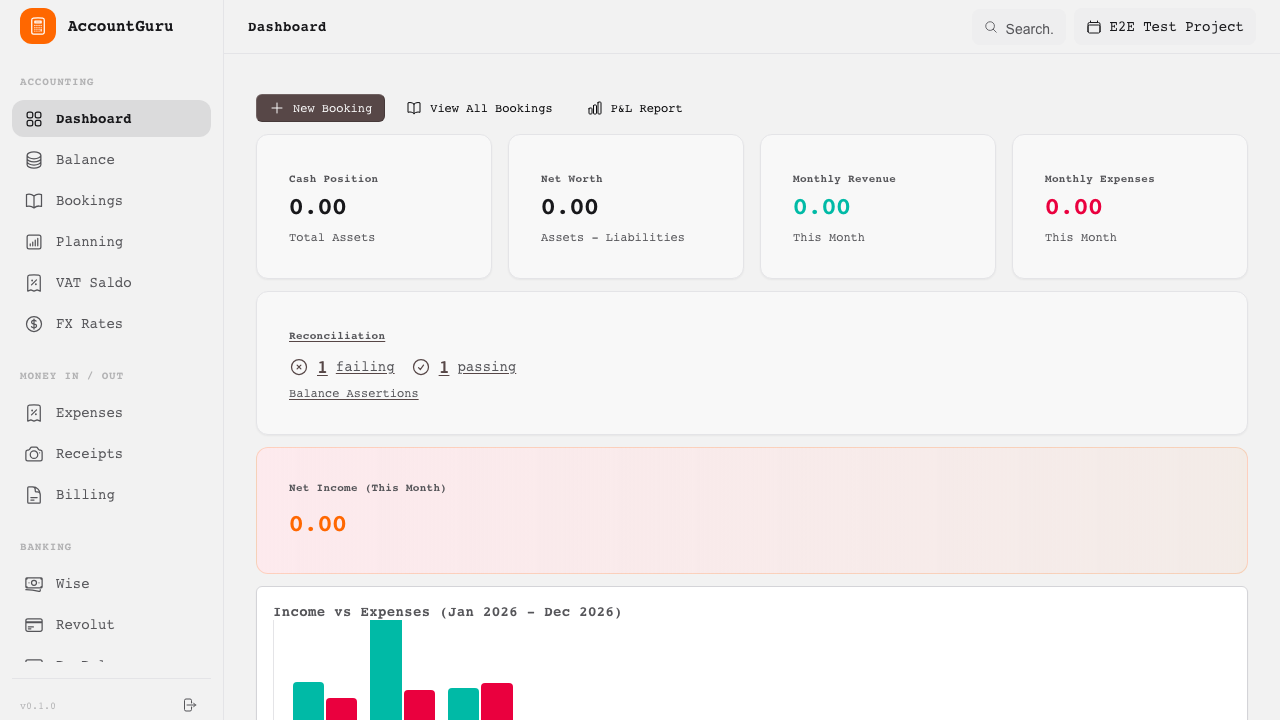
This area supports routine bookkeeping work, including journal entry processing, expense tracking, invoice follow-up, and operational review.
Review current activity, key balances, and recent accounting events.
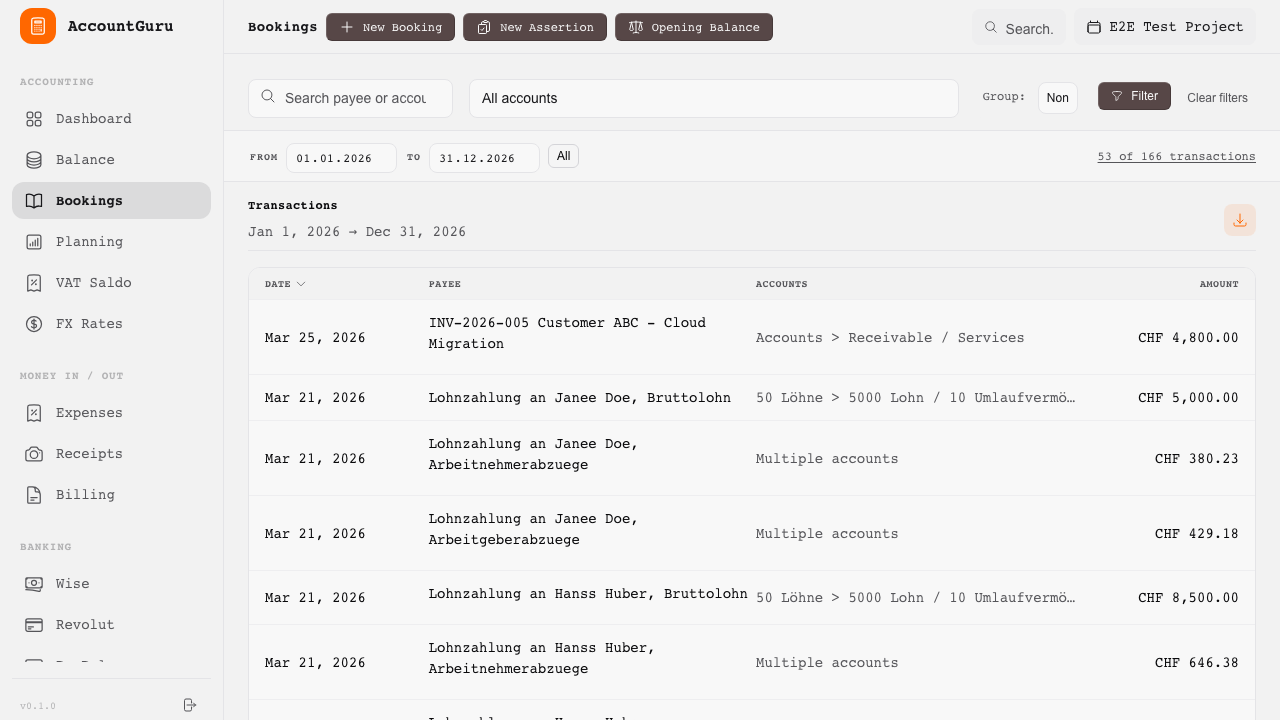
Search, review, and manage posted bookings across the project.
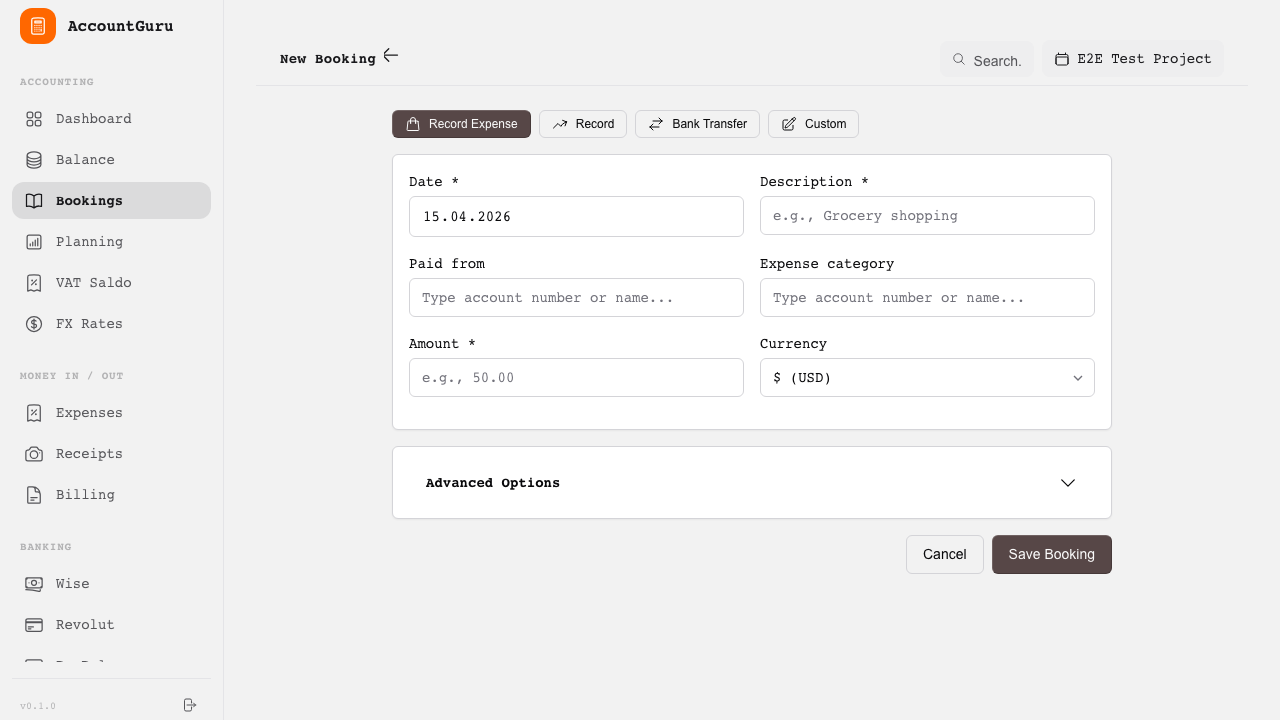
Record balanced double-entry transactions with full account allocation.
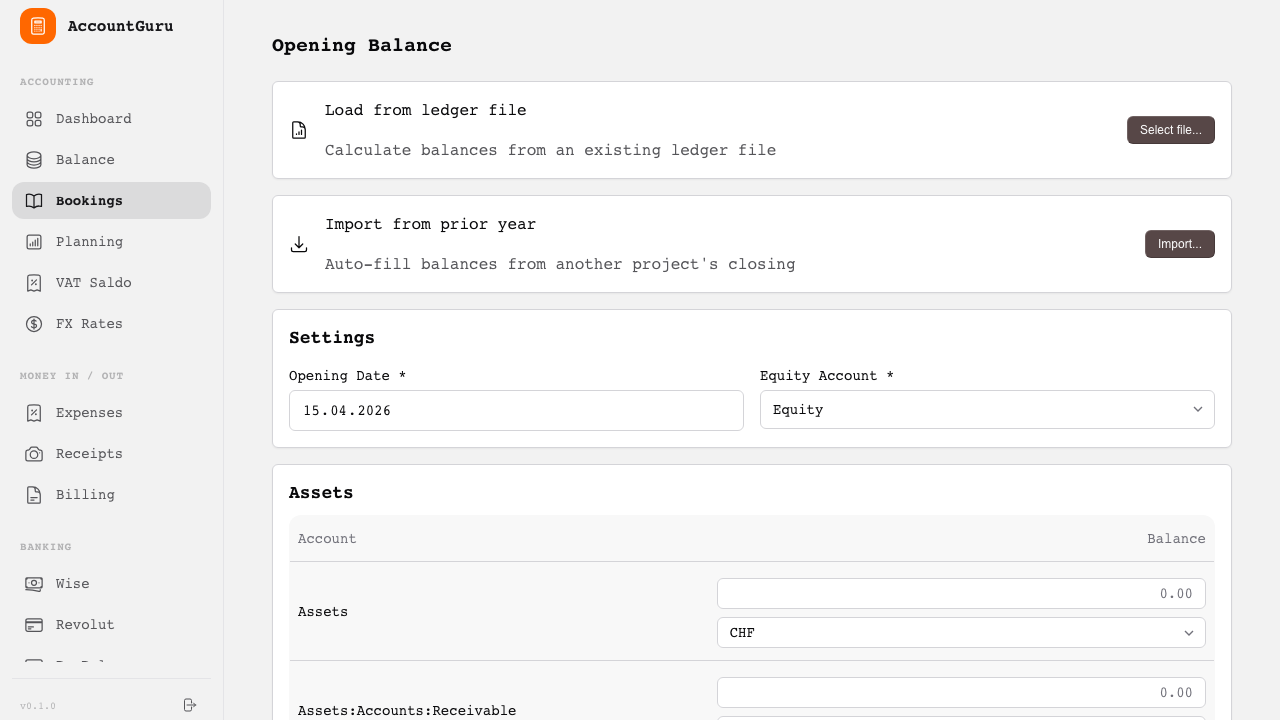
Import or manually enter opening balances when starting a new fiscal year or project.
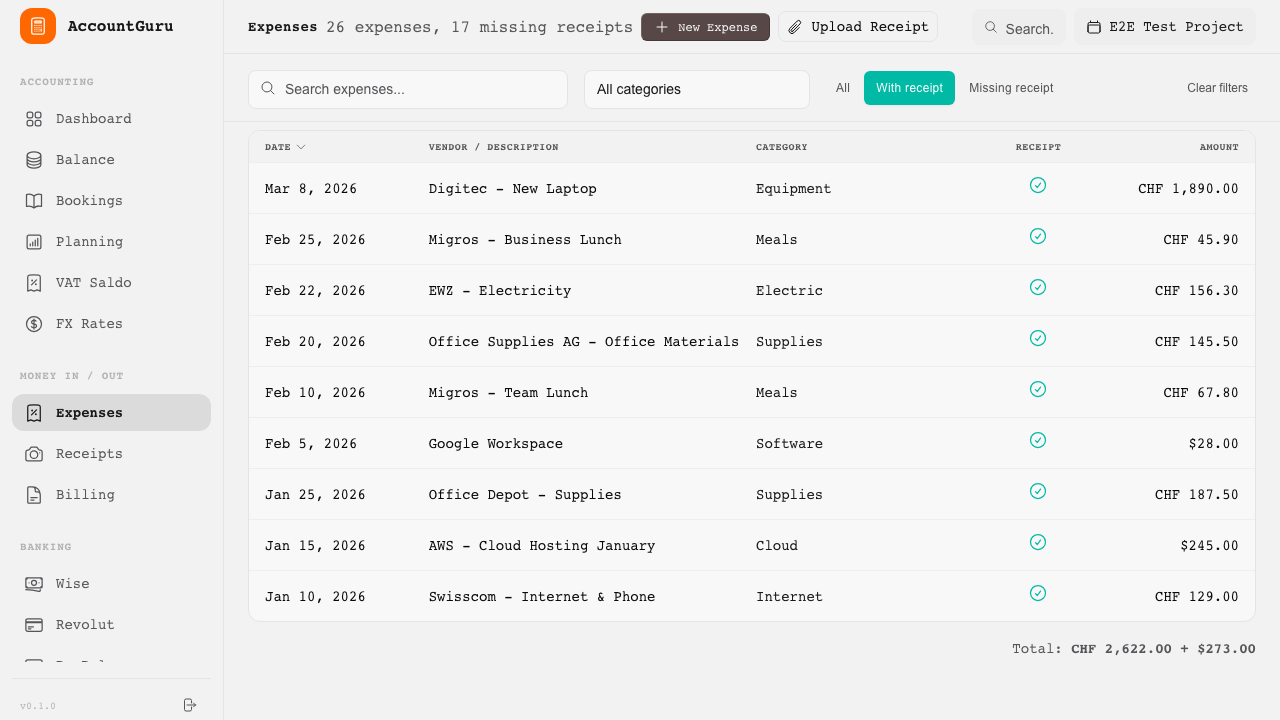
Capture and review business expenses together with supporting documents.
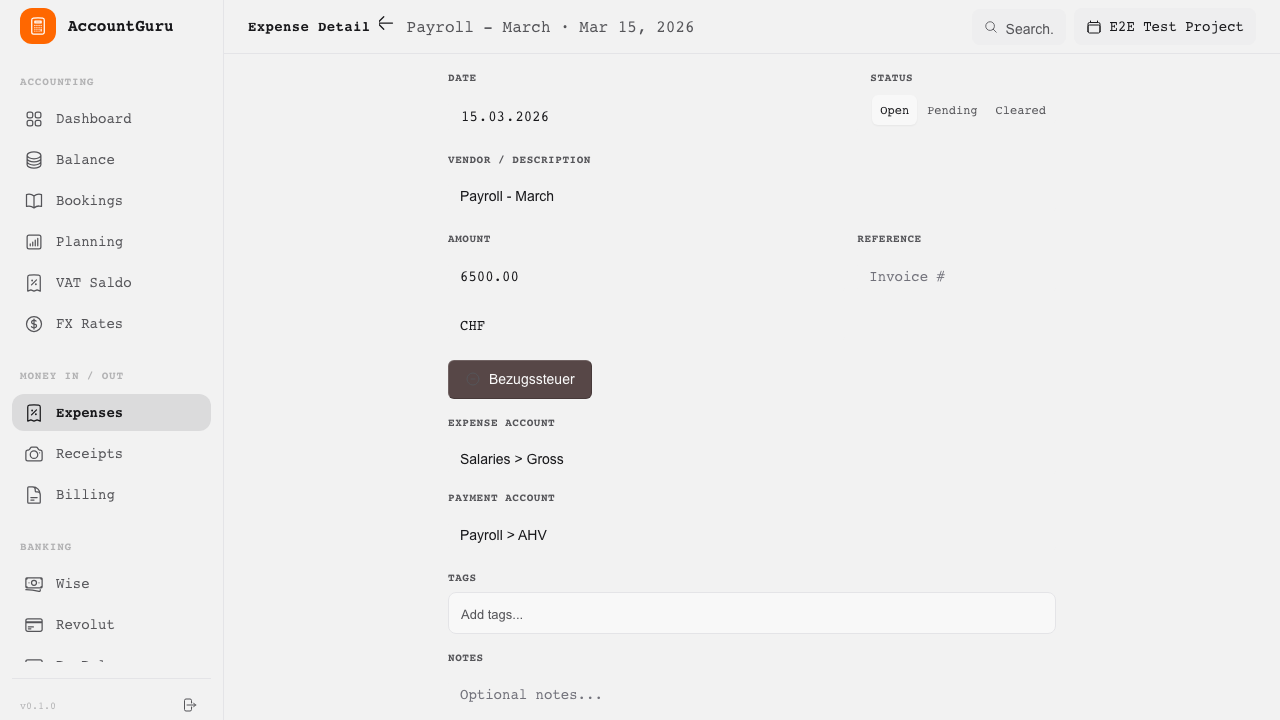
Extract supplier, date, amount, and other fields from receipts before posting.
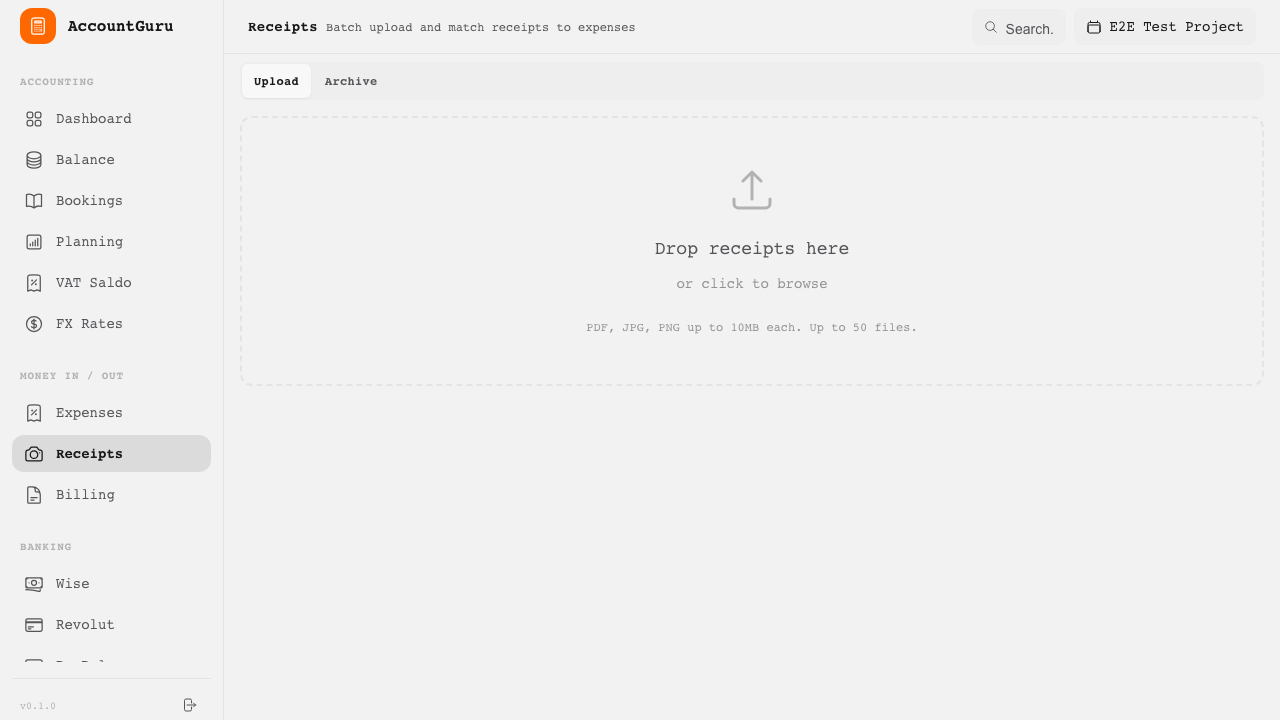
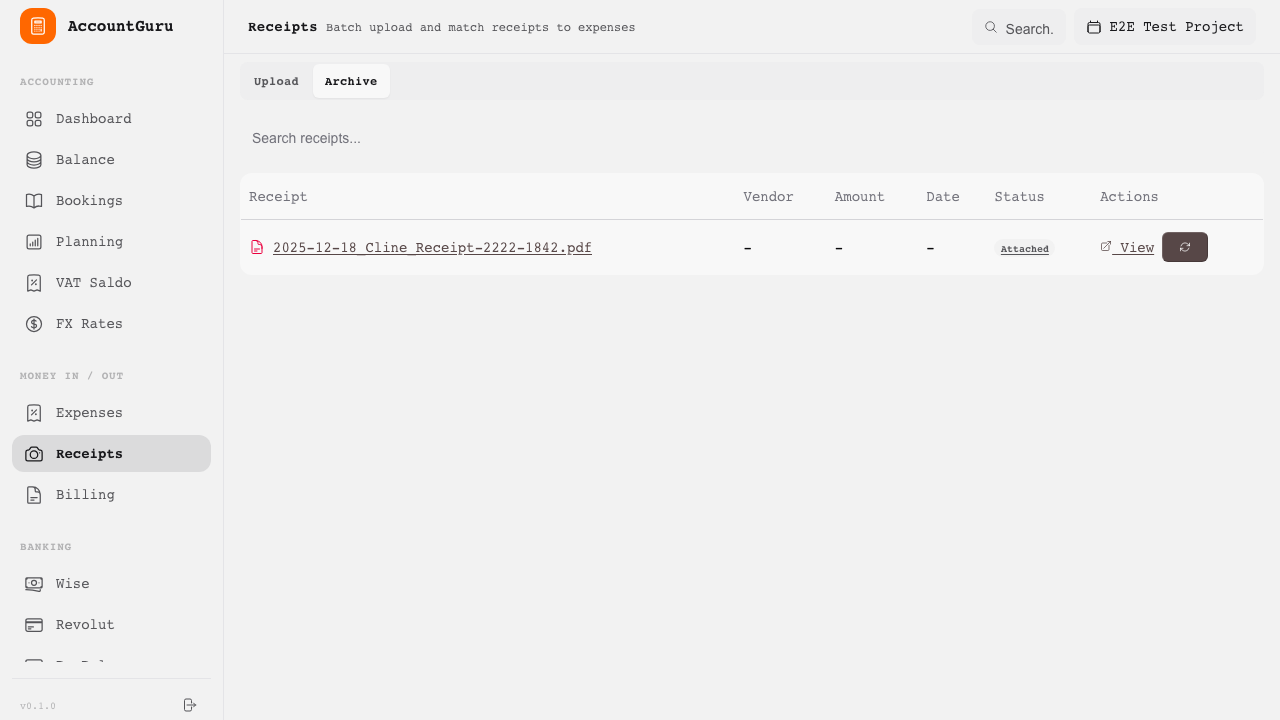
Upload multiple receipts at once. Auto-match against existing expenses via OCR.
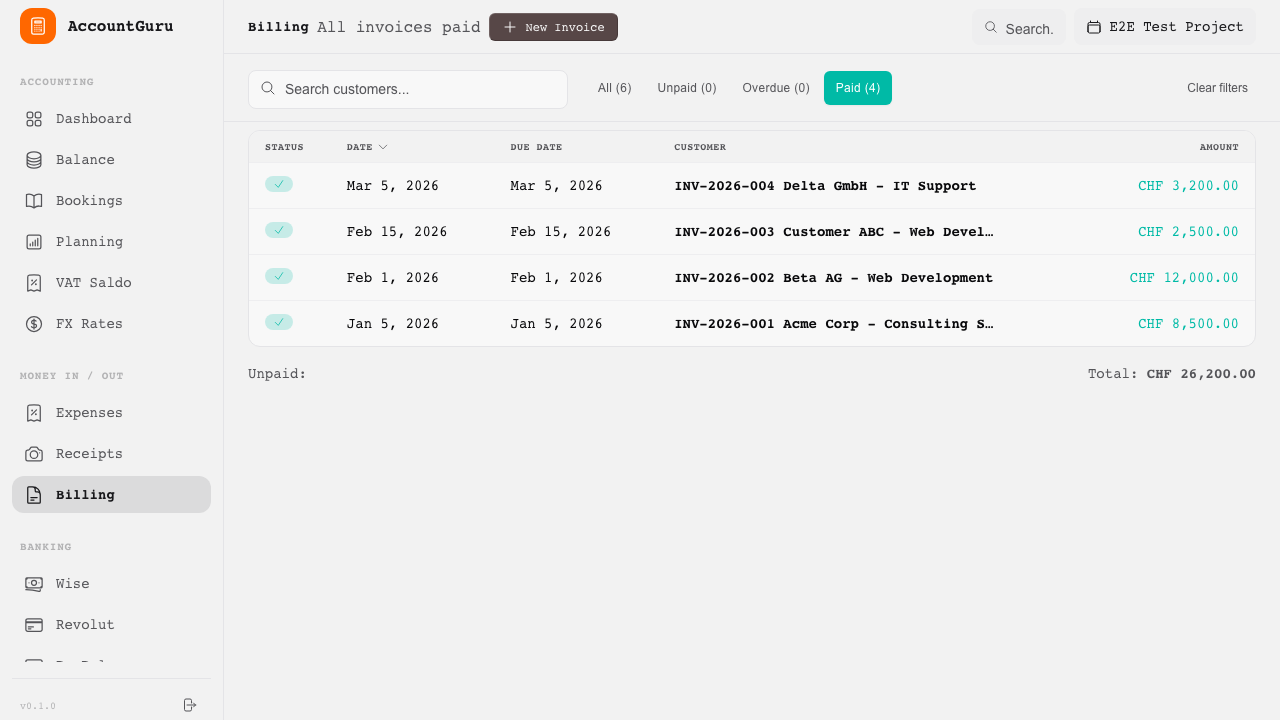
Track issued invoices and their payment status.
Review invoice lines, due dates, and recorded payments in one place.
Banking functions reduce manual data entry by importing external transaction data and supporting structured reconciliation workflows.
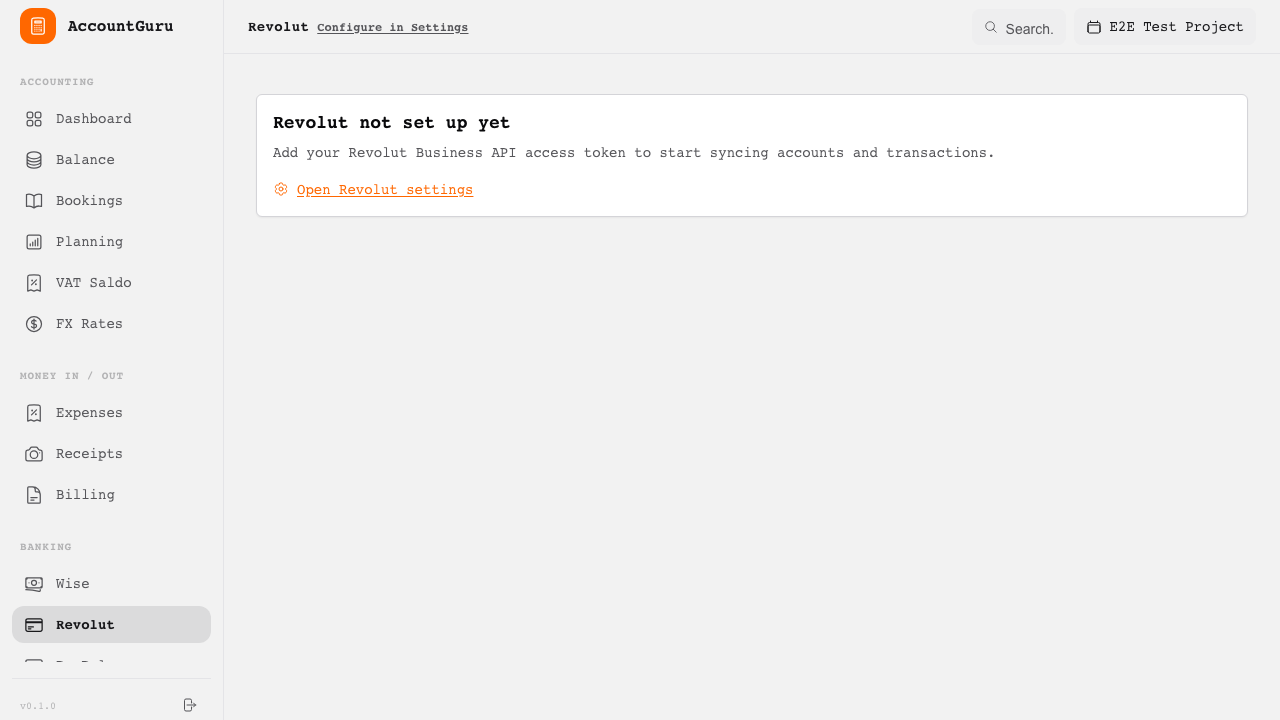
Import account activity from Revolut Business, including multi-currency balances.
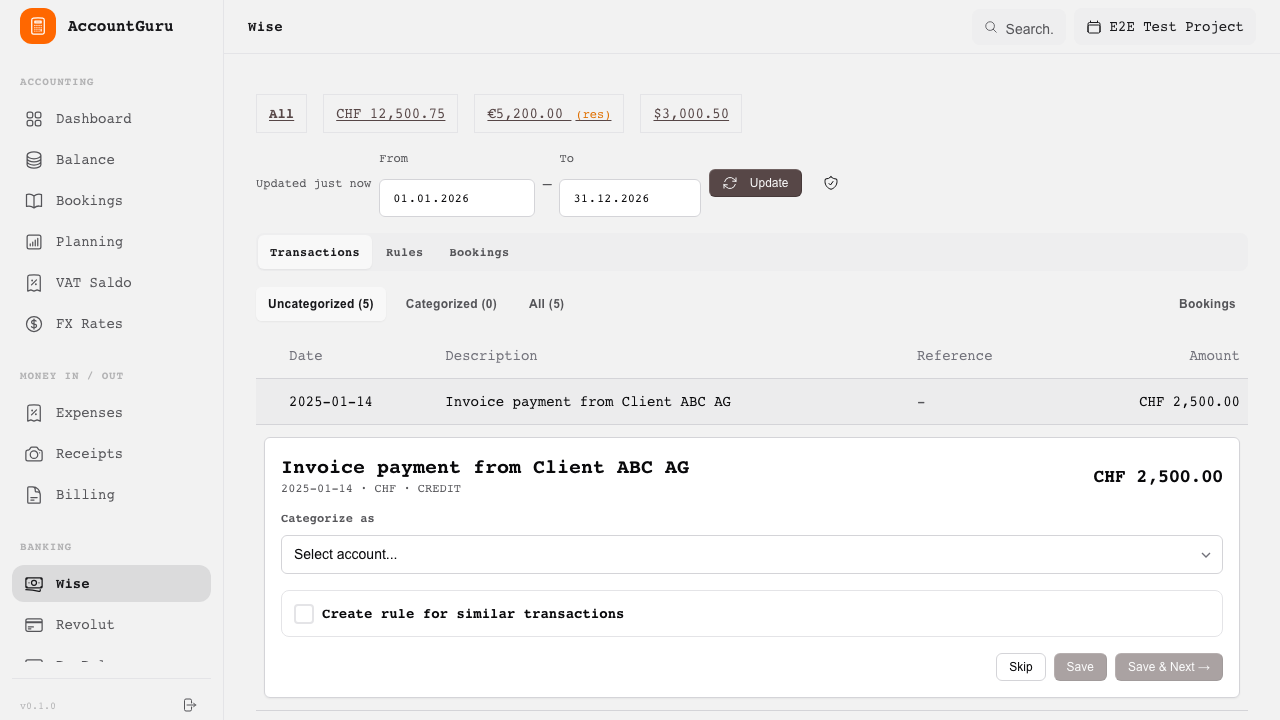
Import Wise transactions and review international payment activity.
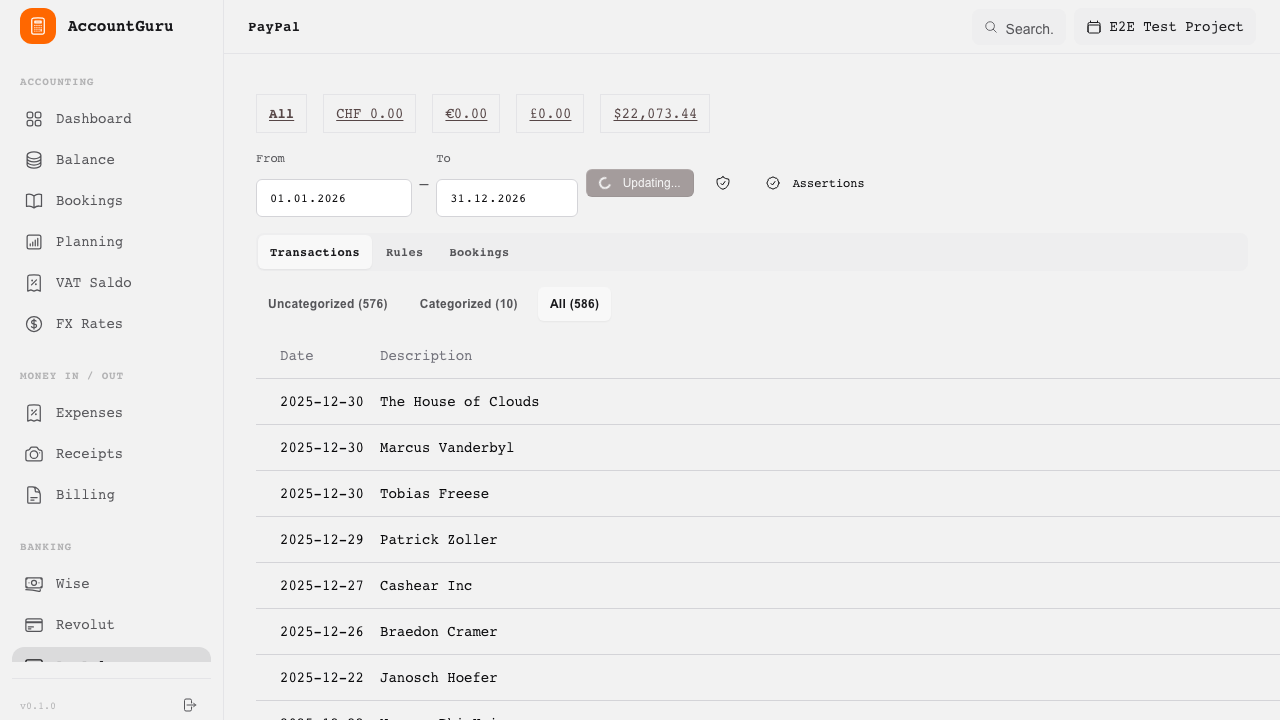
Synchronise PayPal transactions and fees for posting and review.
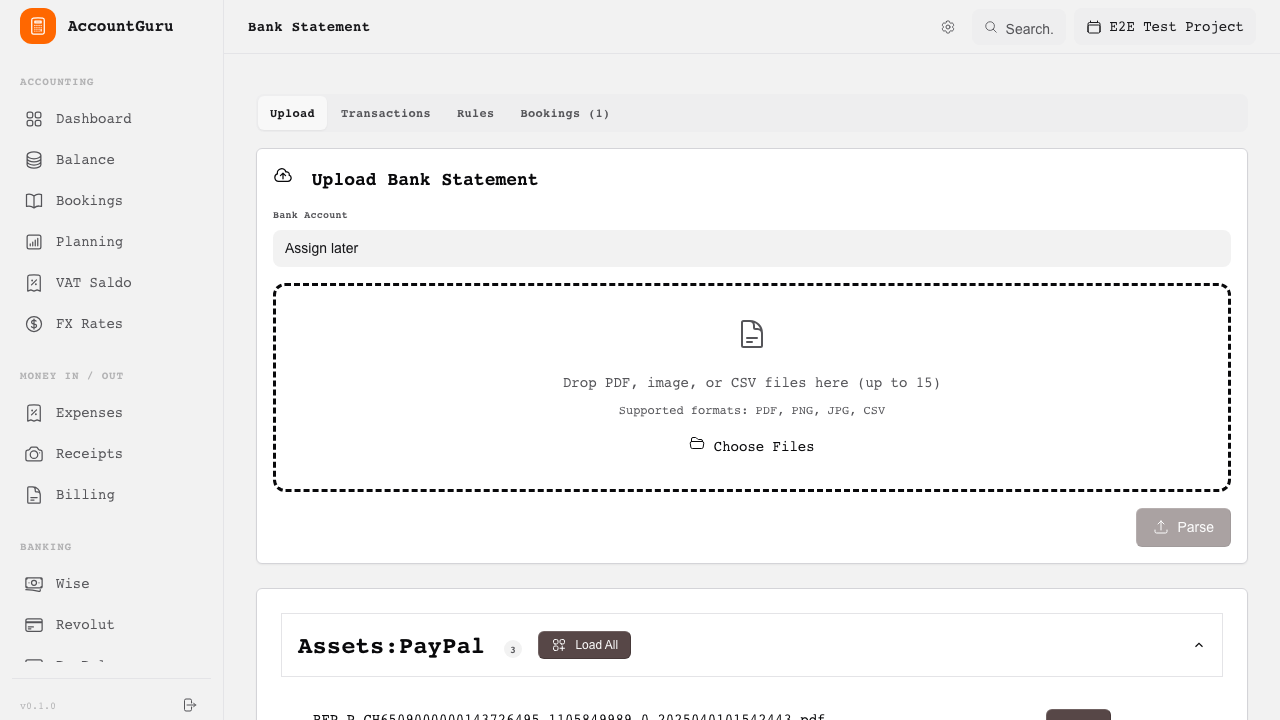
Scan PDF bank statements using AI vision (Claude or OpenAI) to automatically extract transactions.
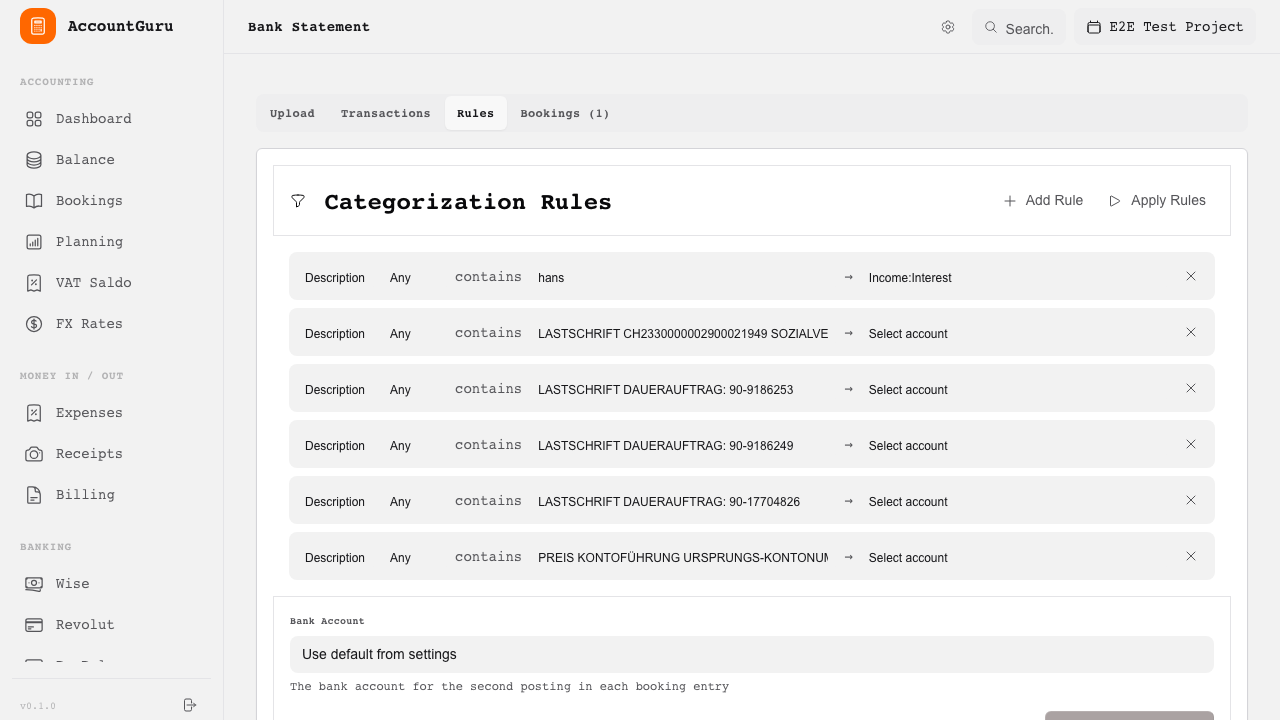
Apply matching rules to classify recurring bank transactions consistently.
The payroll area supports Swiss payroll administration, salary-related bookkeeping, and statutory salary certificate output.
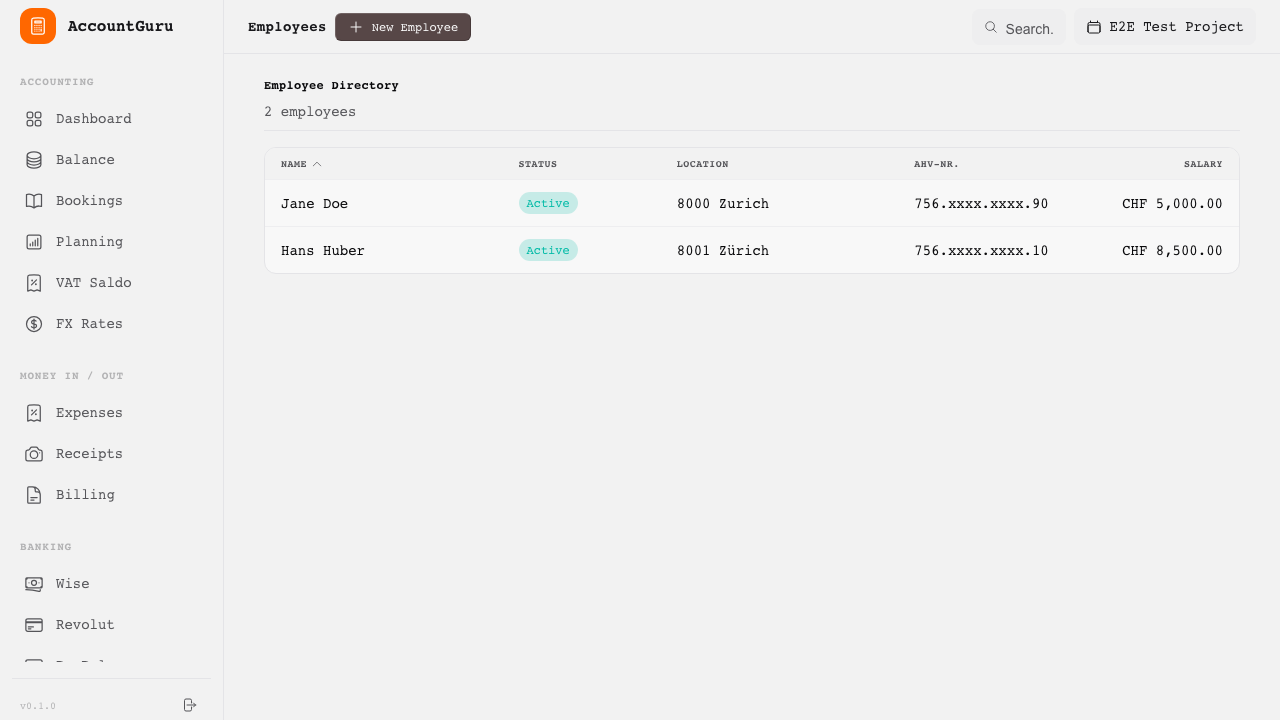
Maintain employee master data used for payroll processing.
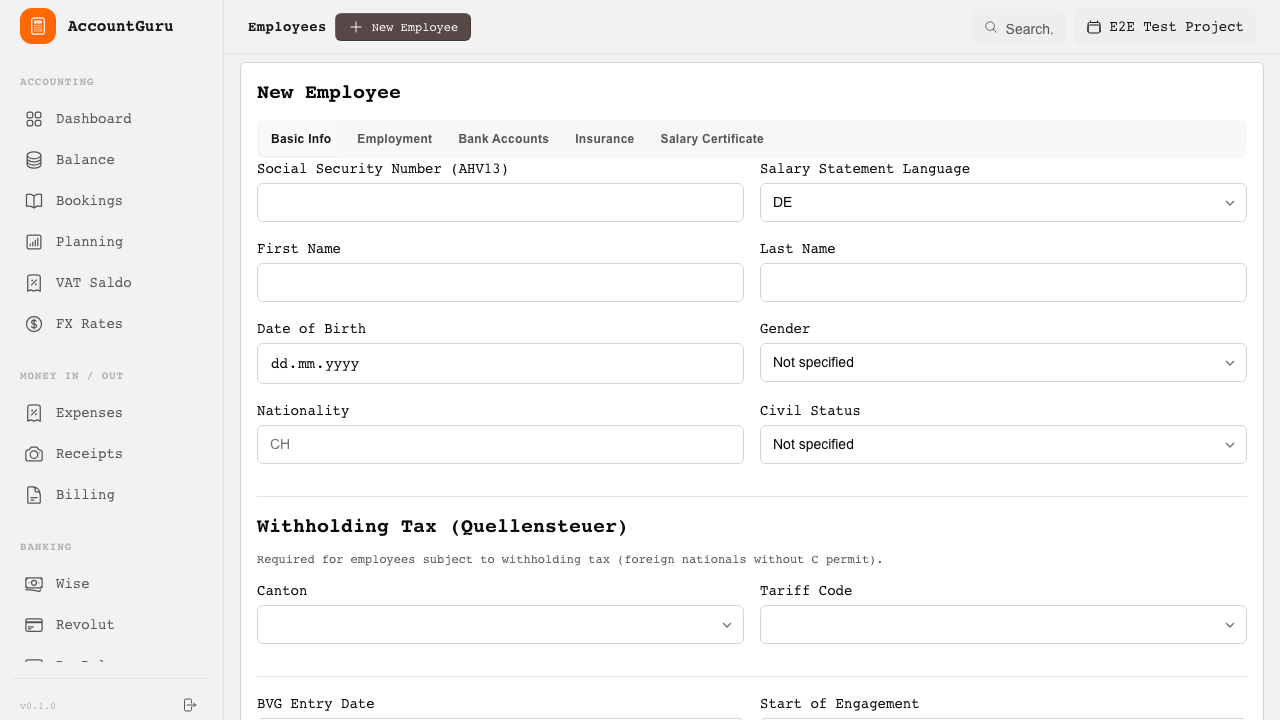
Create or update employee records with salary and contribution details.
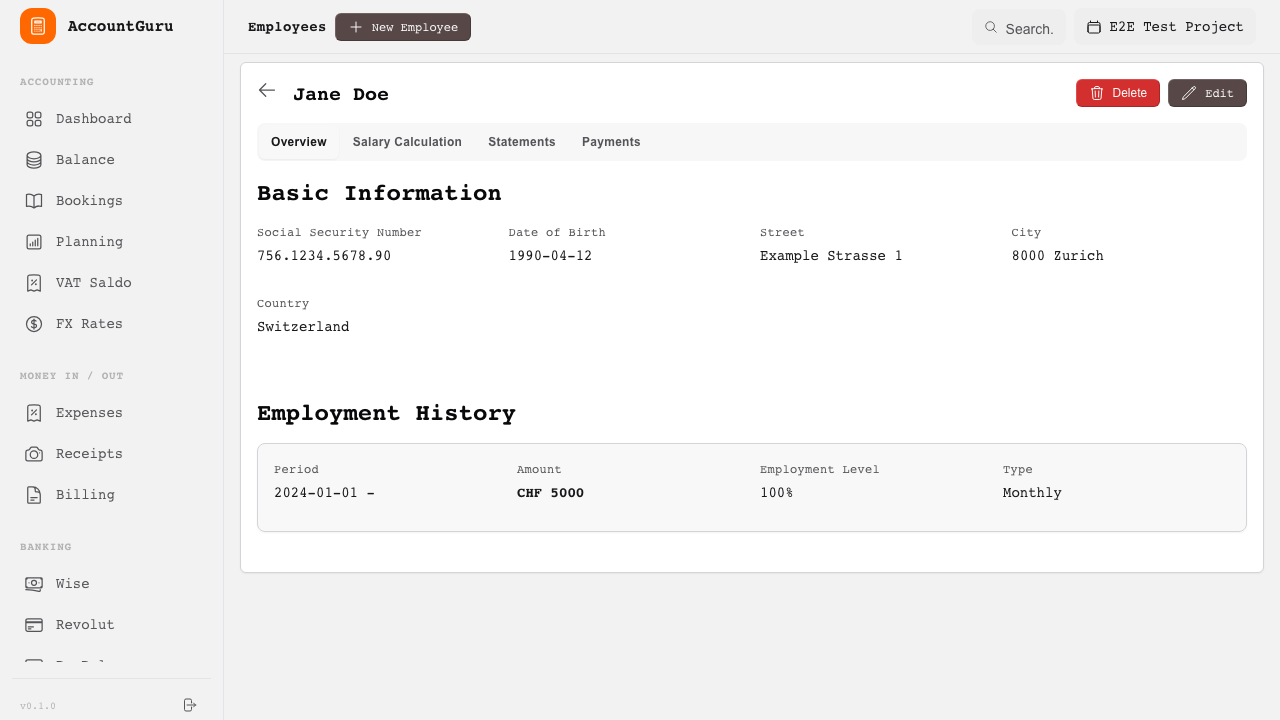
Generate Swiss salary certificates from payroll data.
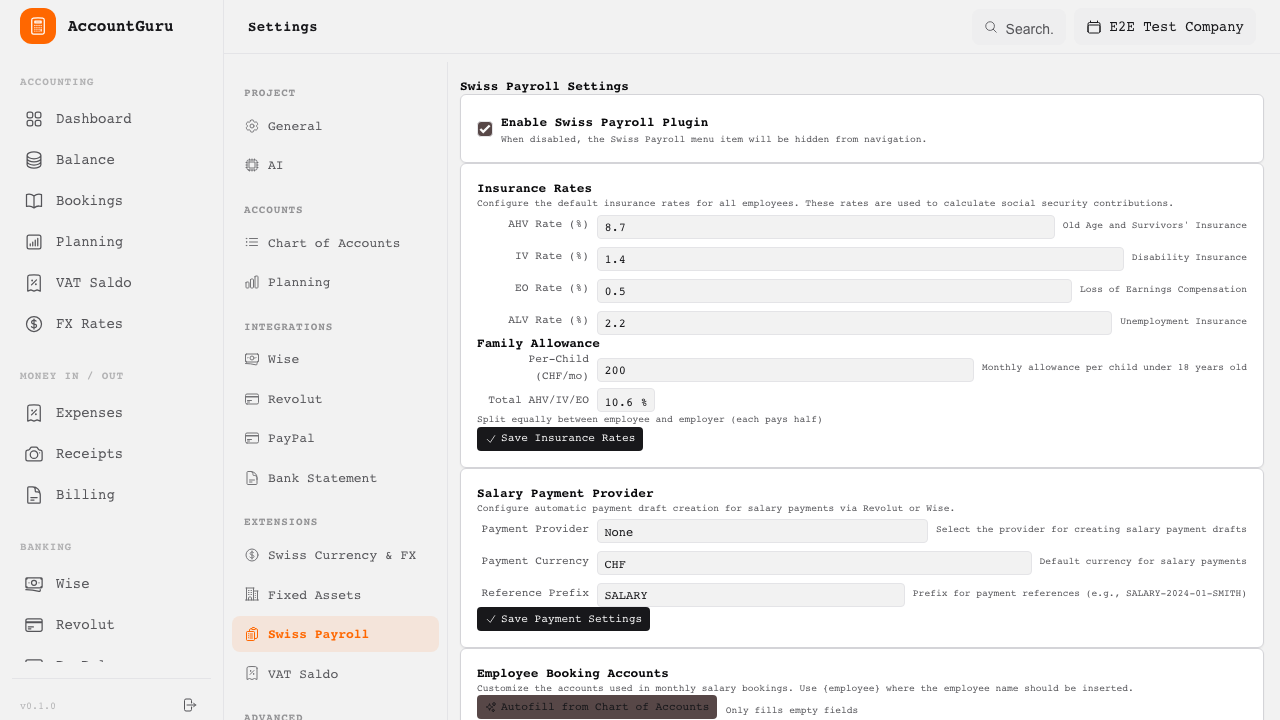
Maintain social insurance and payroll parameters used in salary calculations.
The fixed assets module supports capital asset tracking, depreciation planning, and disposal accounting.
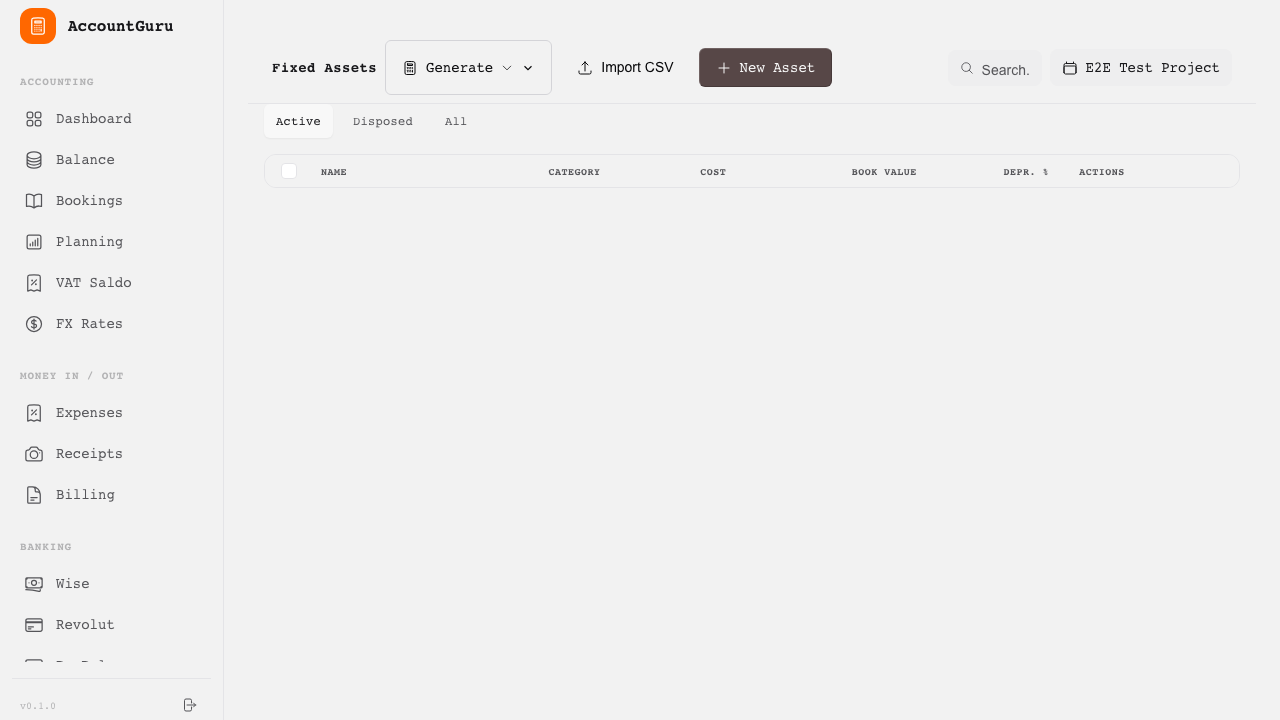
Review fixed assets, current book values, and depreciation status.
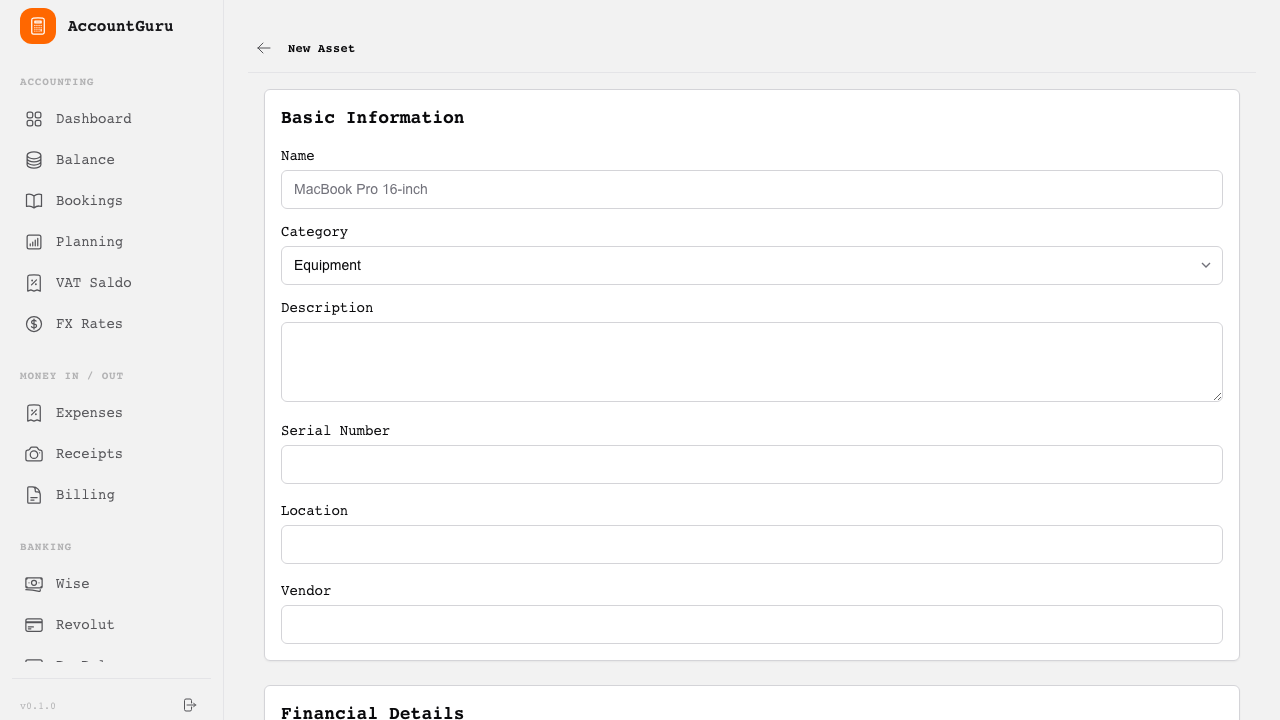
Record acquisition details, depreciation method, and account assignments.
Review planned depreciation over the life of the asset.
Prepare disposal postings, including gain or loss recognition.
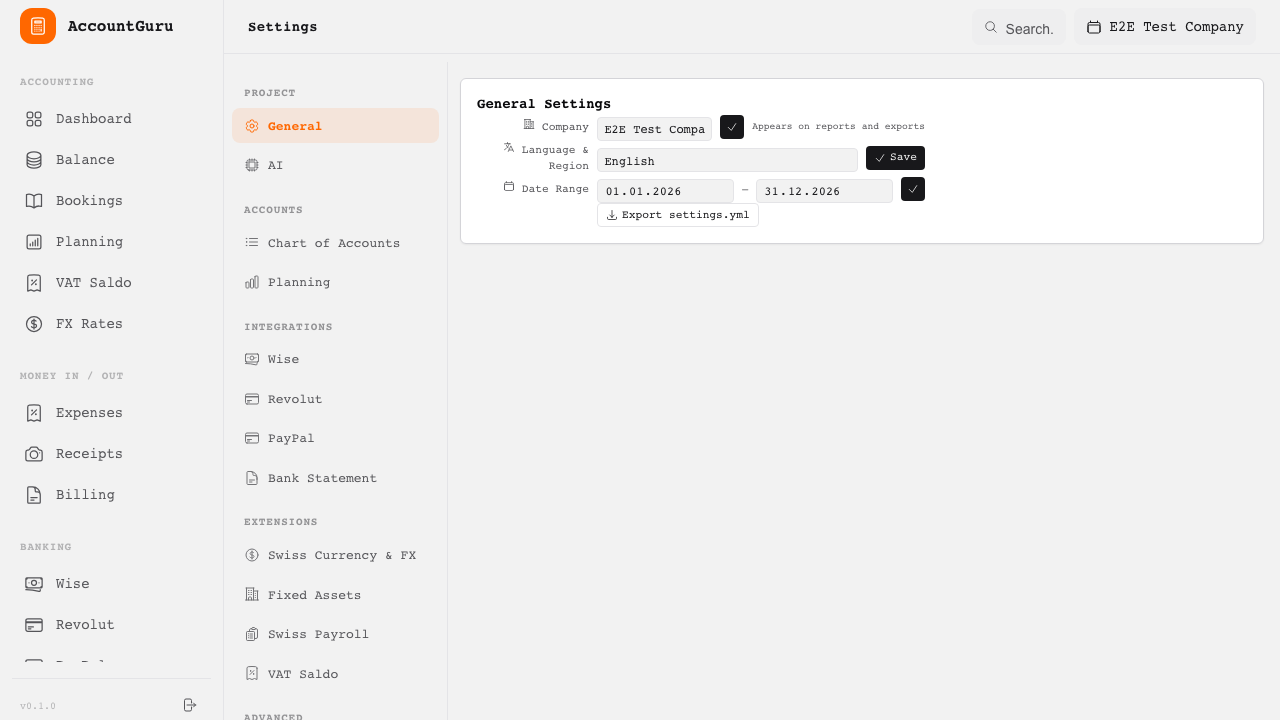
Define default depreciation rules and account mappings for asset classes.
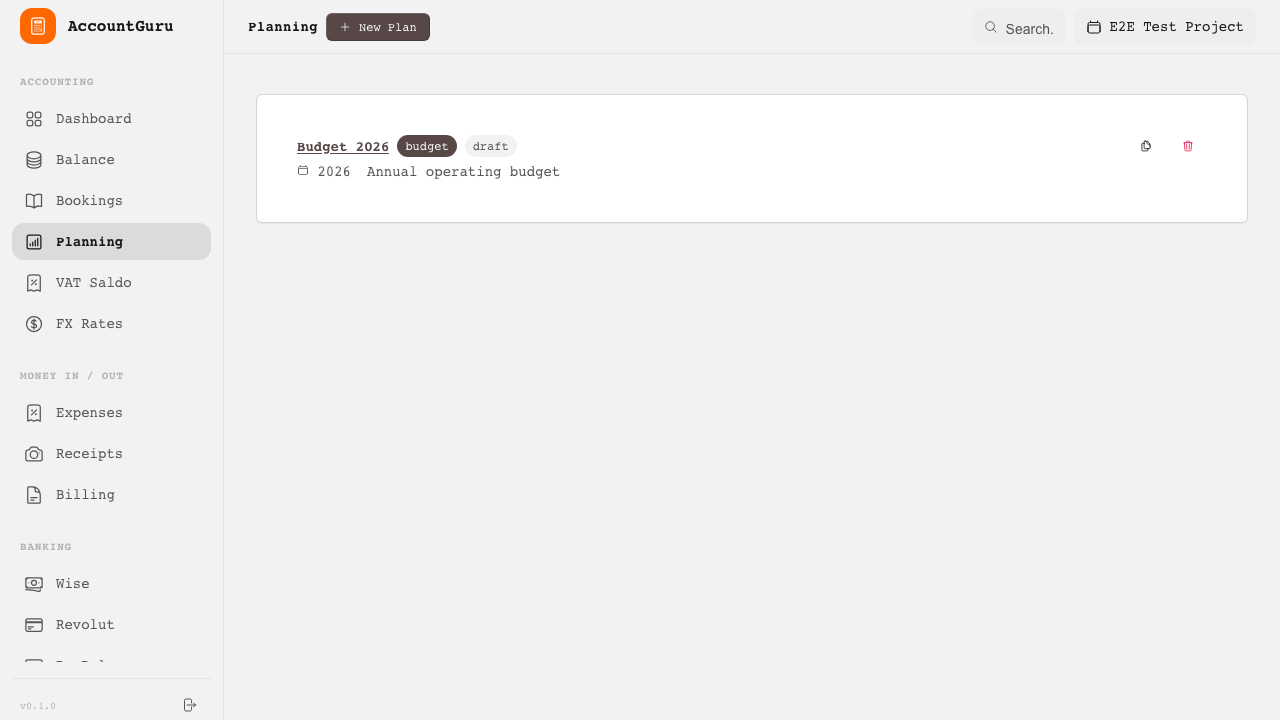
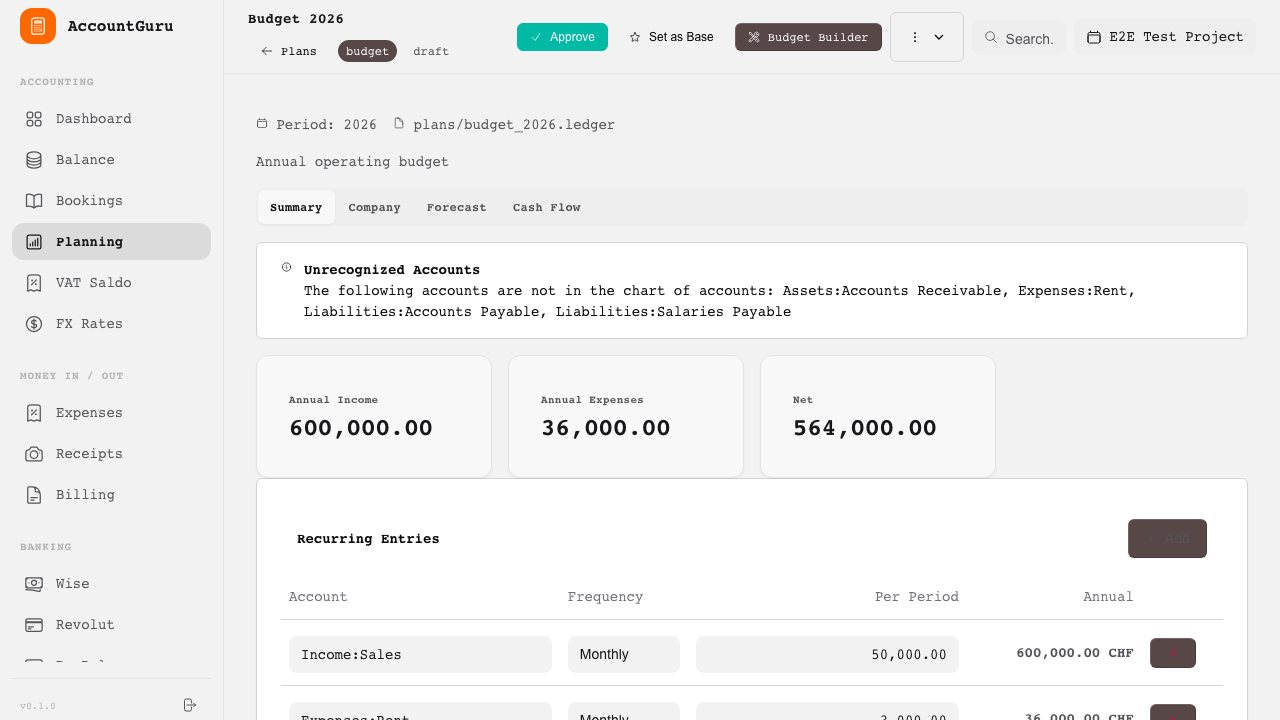
The planning module lets you create budgets, forecasts, and scenario analyses. Plans are stored as ledger files and enable budget-vs-actual comparisons.
Manage all budgets, forecasts, and scenarios for your project.
Create a new budget, forecast, or scenario plan.
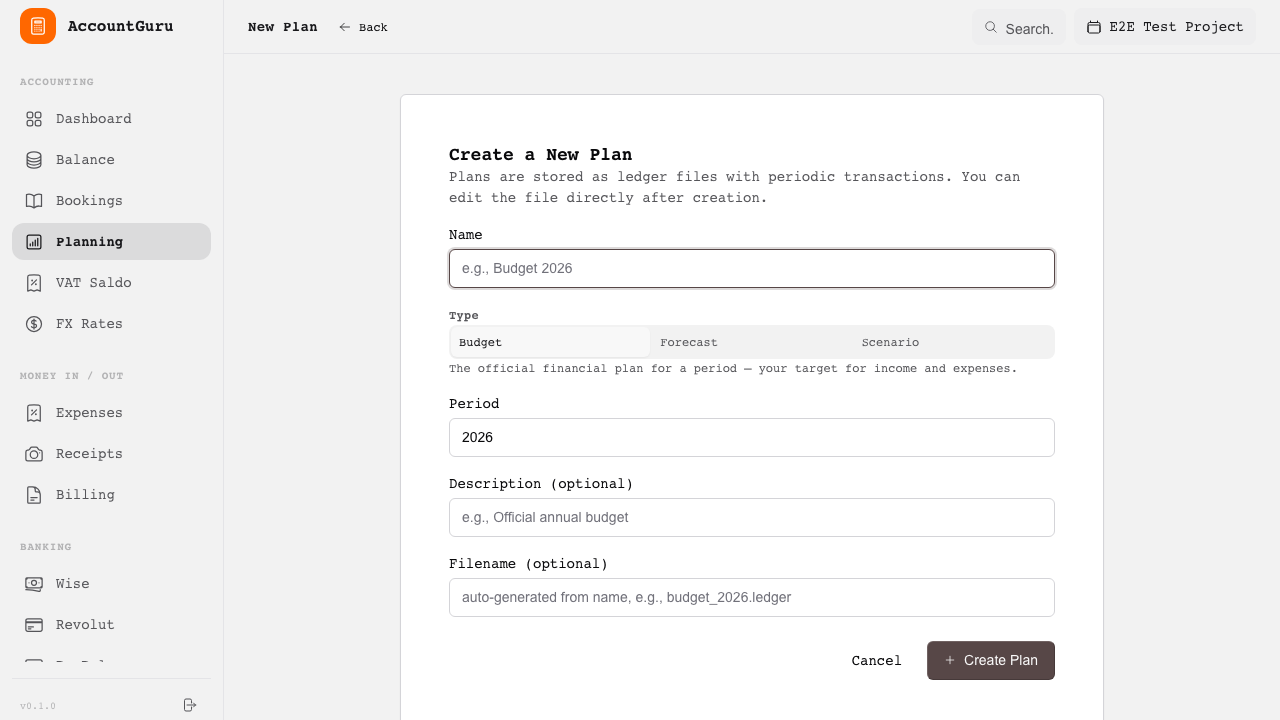
Edit plan content directly in ledger format and manage the plan lifecycle.
Reporting functions provide structured financial statements and analytical views derived from the underlying ledger data.
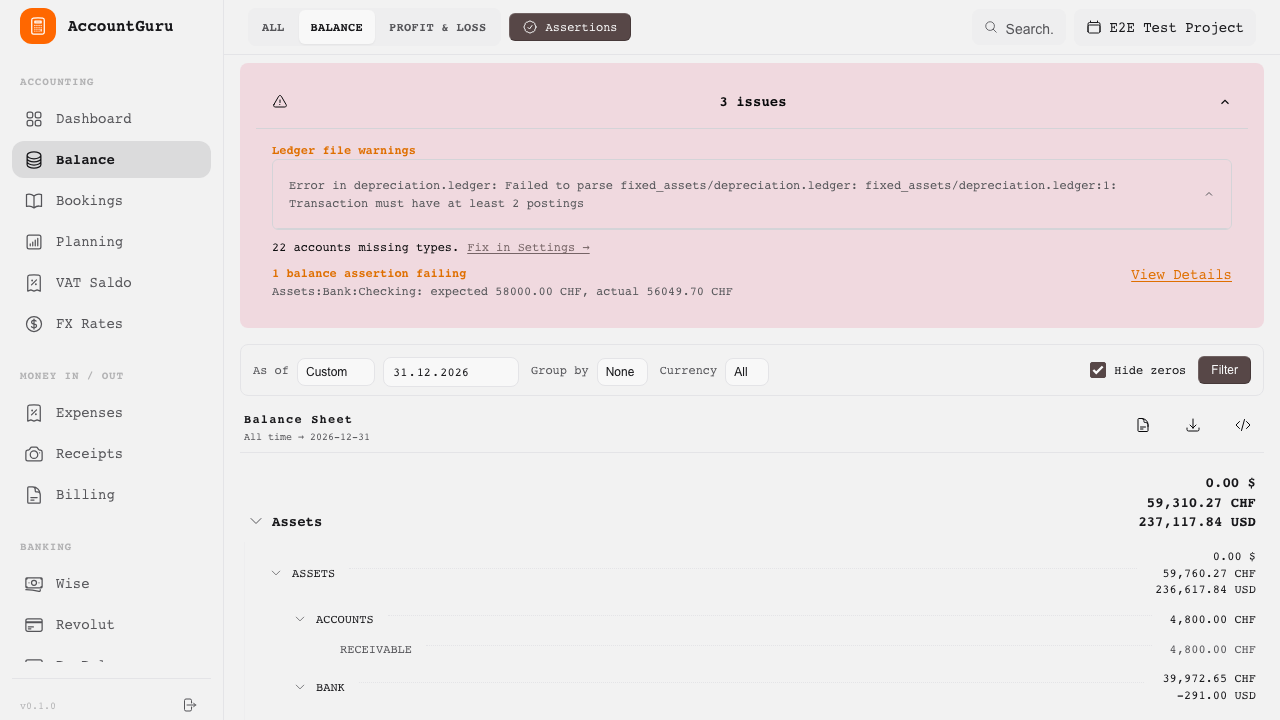
View assets, liabilities, and equity at a selected reporting date.
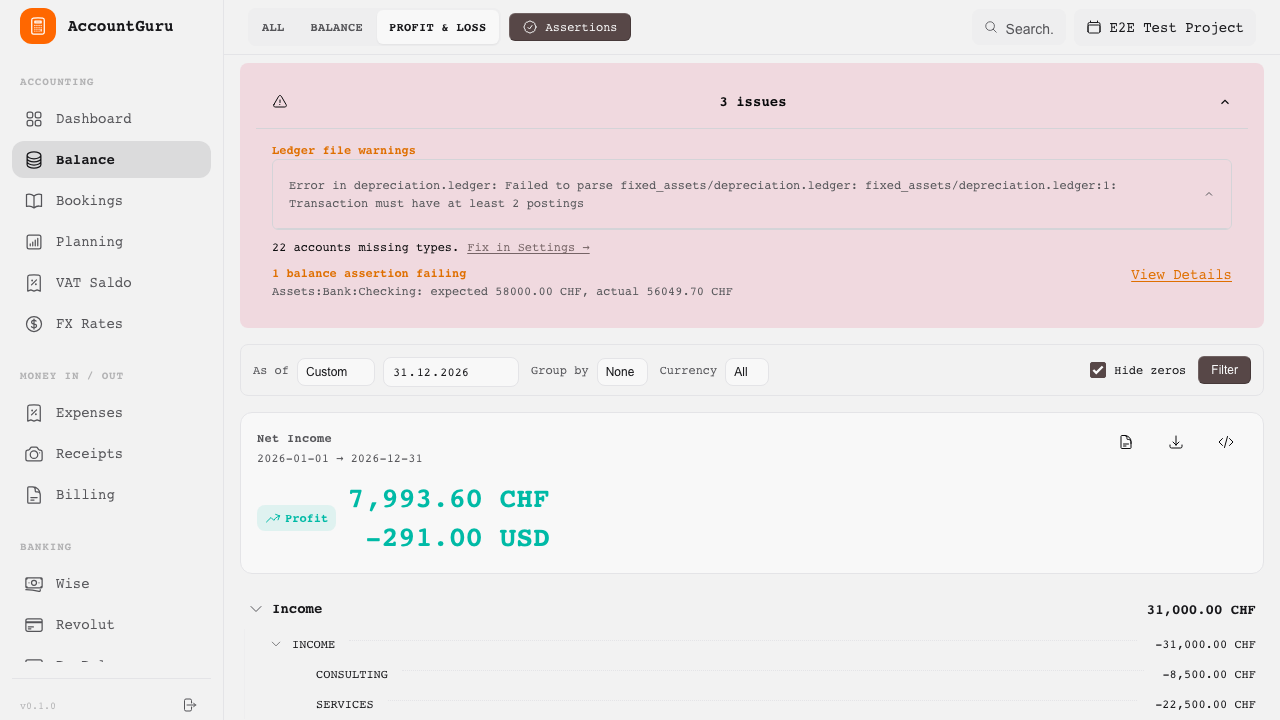
Analyse income and expenses for a selected reporting period.
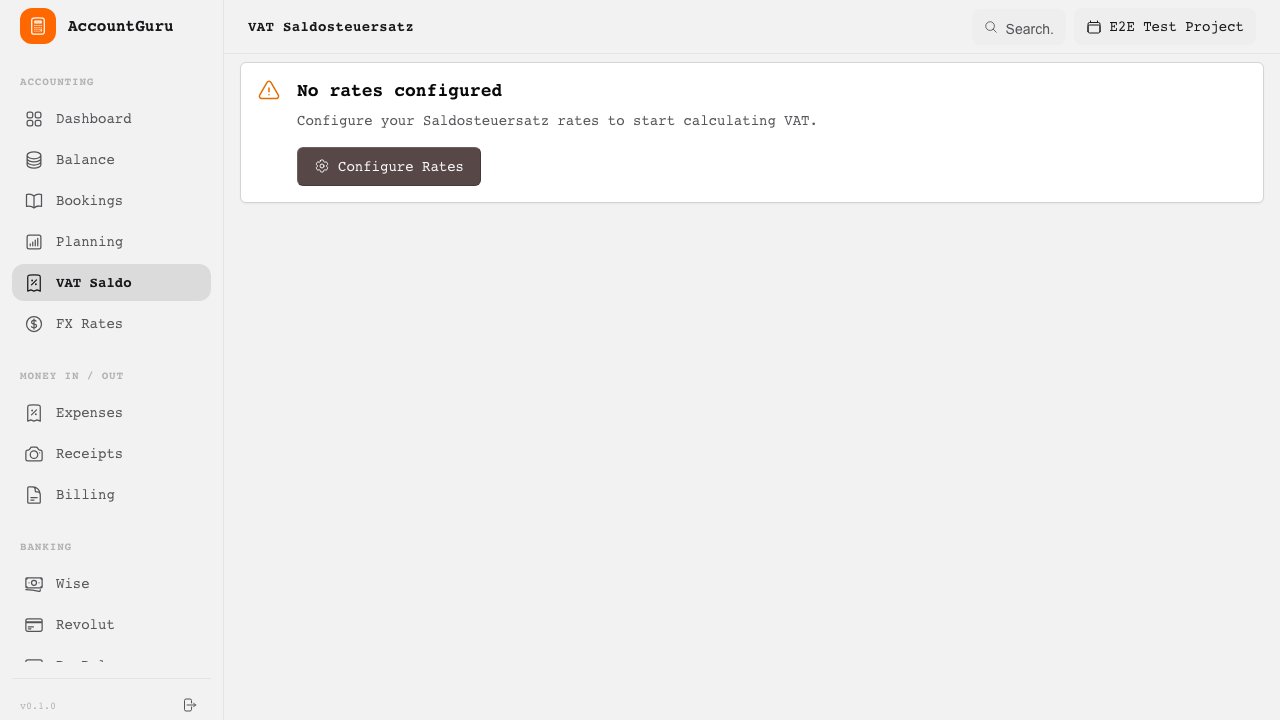
Prepare Swiss VAT saldo reporting based on recorded activity.
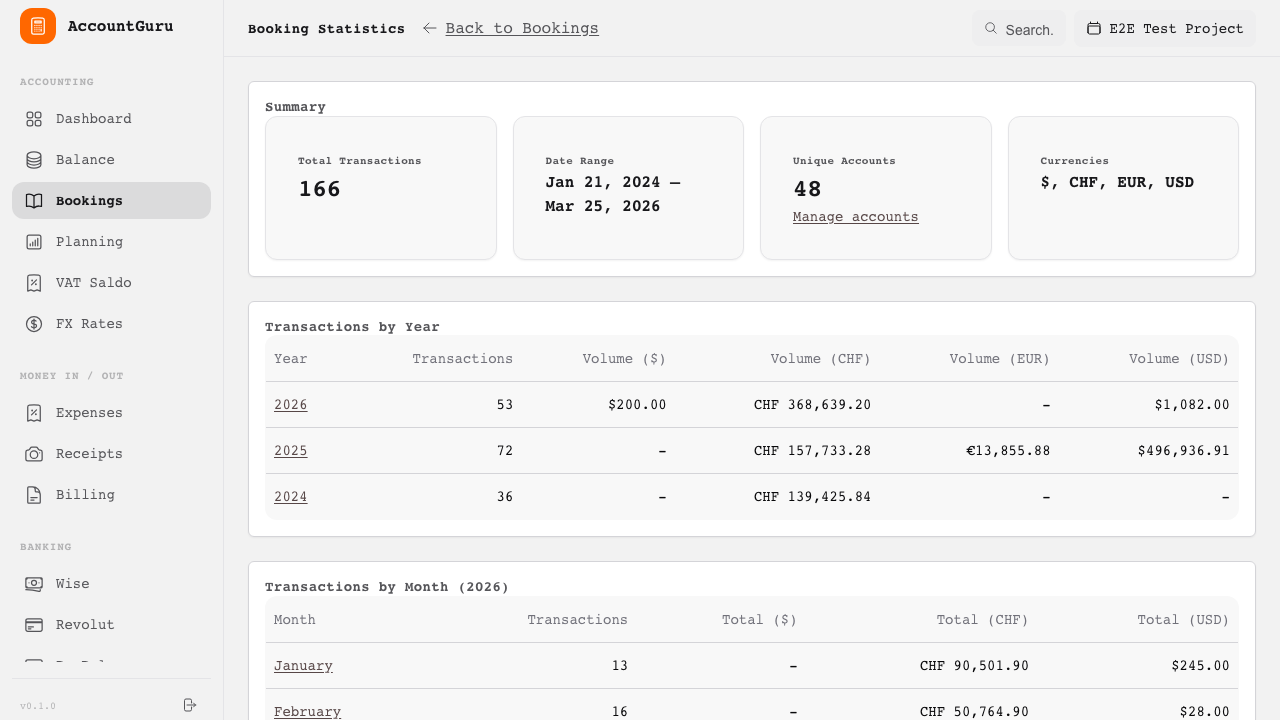
Review transaction volumes and account activity by period.
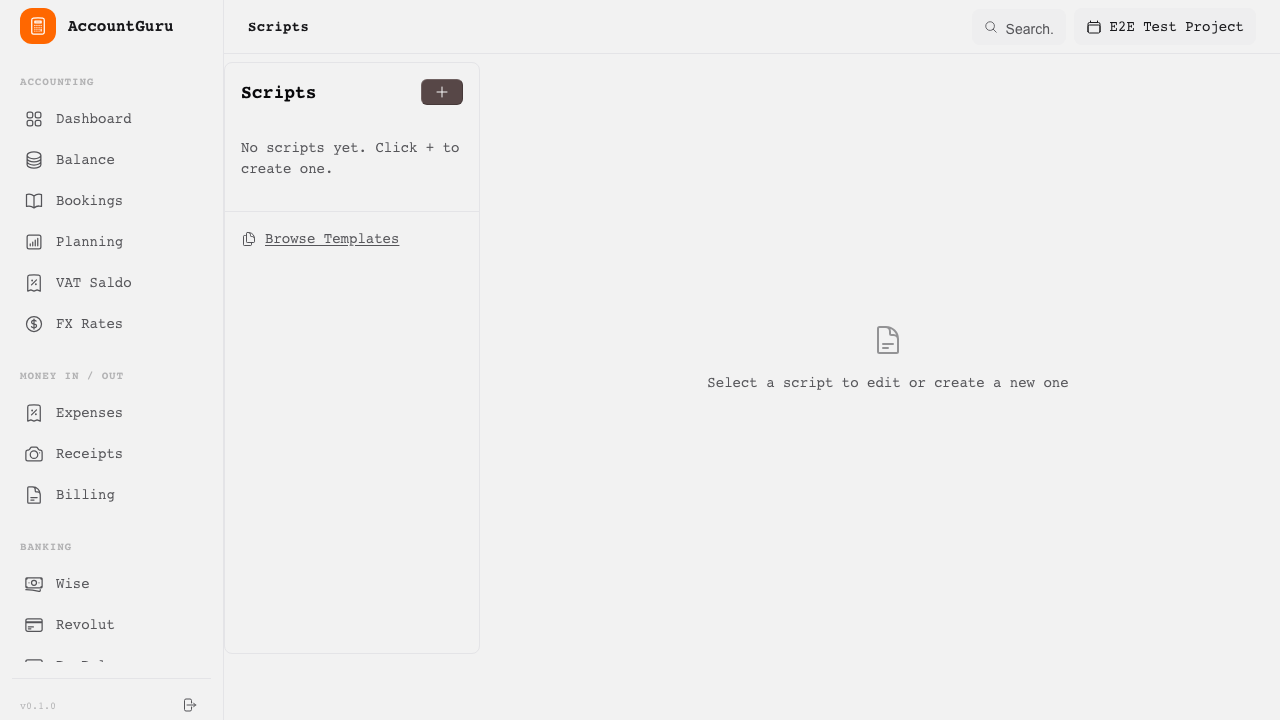
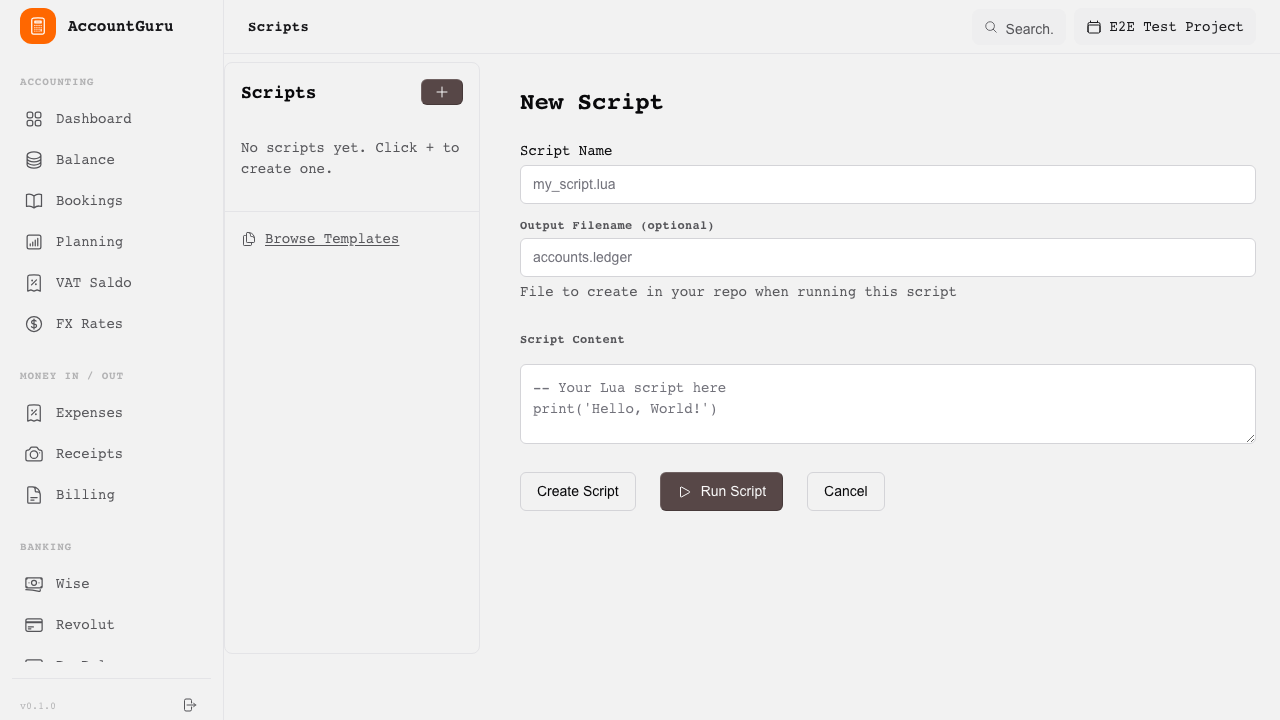
The scripting module lets you write Lua scripts and reusable templates to automate repetitive accounting tasks, custom calculations, and report generation.
Browse and manage saved automation scripts.
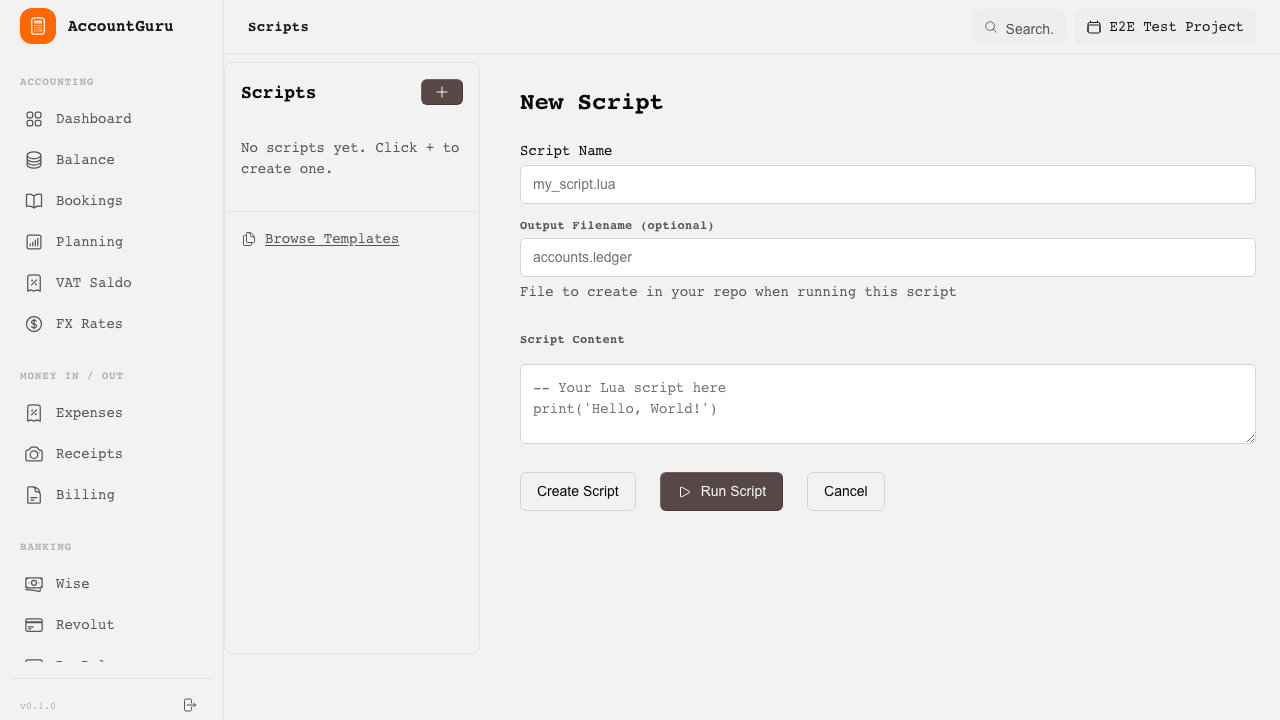
Create a new Lua script with access to ledger data and posting functions.
Write and test scripts with syntax highlighting and live output.
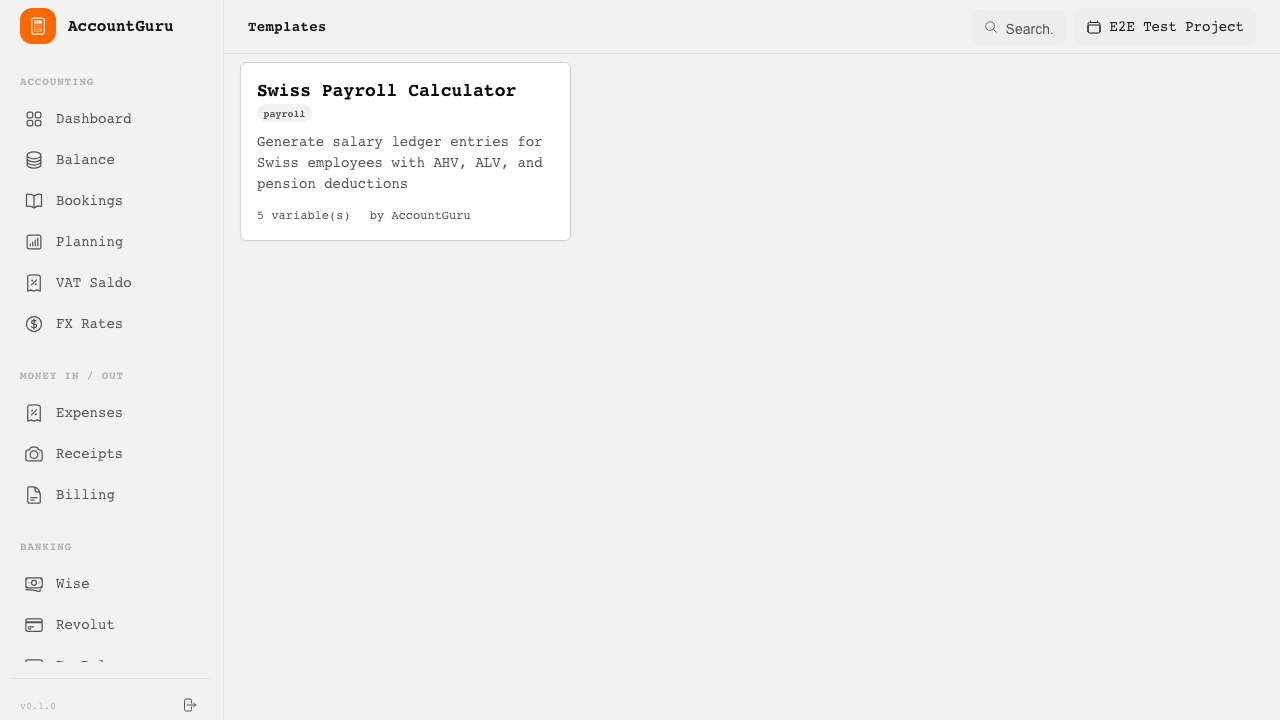
Manage reusable document and report templates.
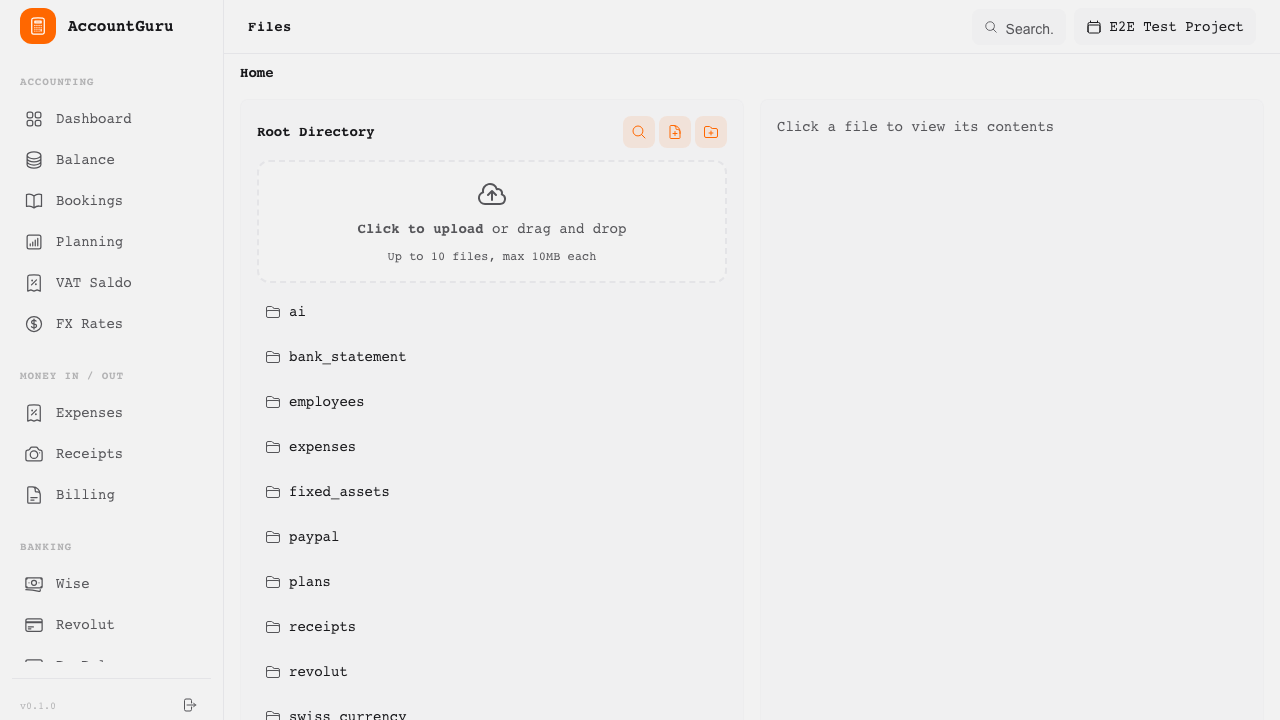
File management and full-text search let you organise supporting documents and quickly find any transaction, account, or entry across the project.
Browse uploaded documents and attachments organised by category.
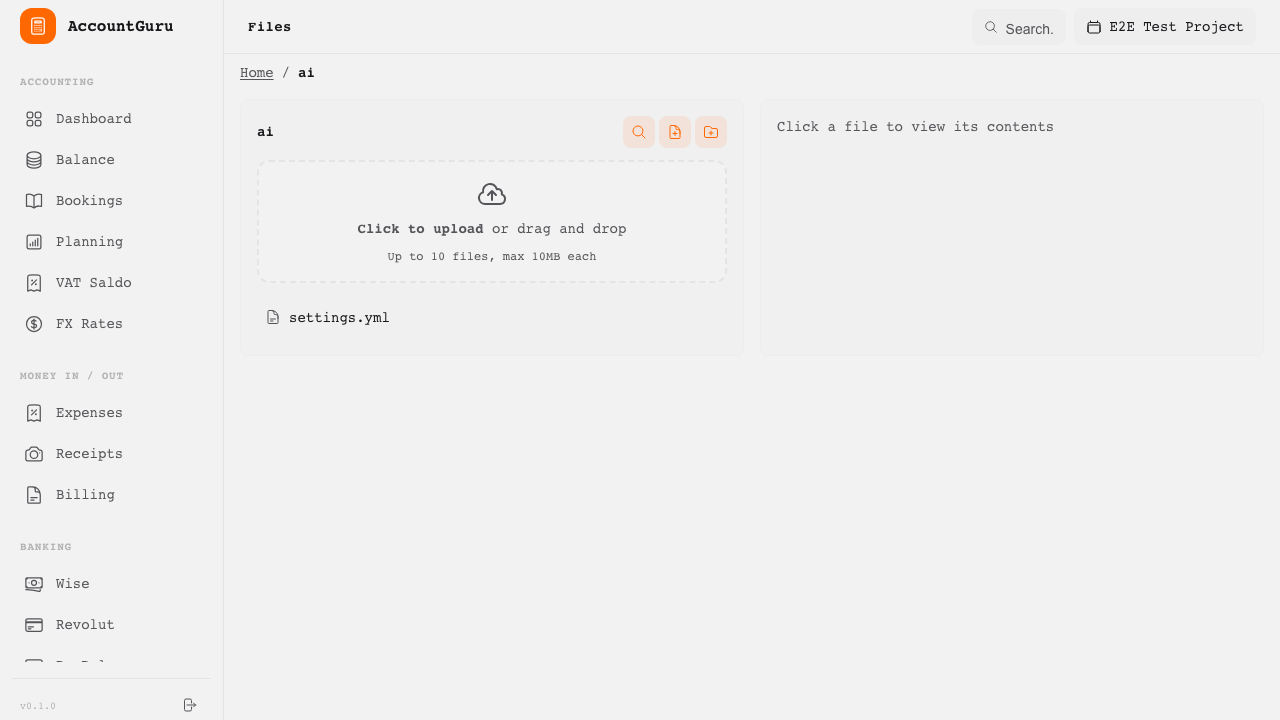
Preview file contents and metadata directly within the application.
Find bookings, accounts, expenses, and other records using full-text search.
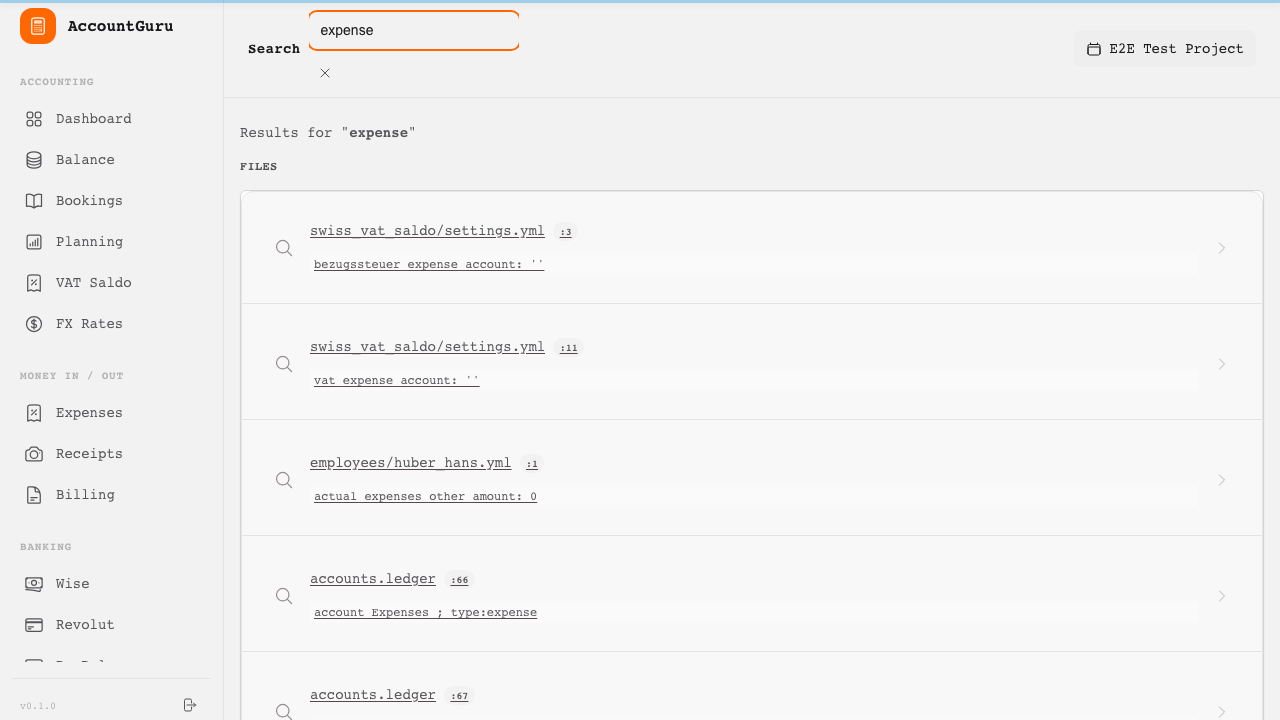
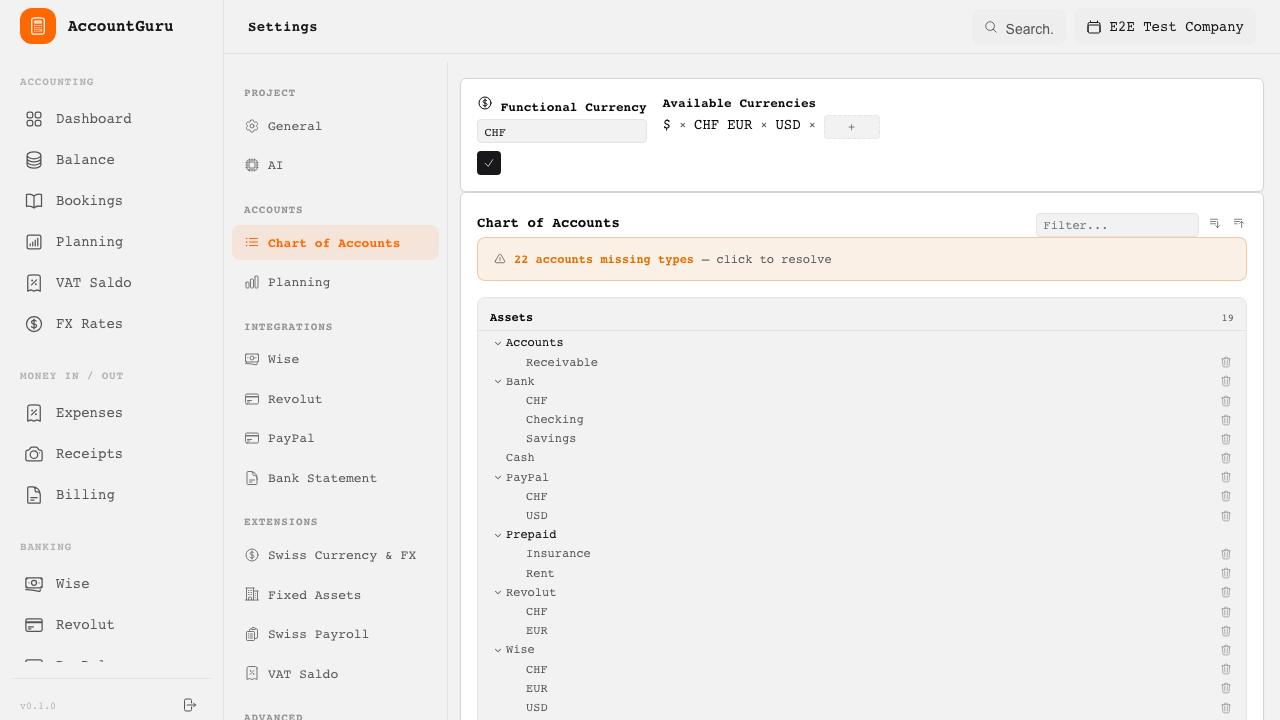
Configuration screens govern the accounting structure, operational settings, activated modules, and project-level controls.
Maintain company details and general project preferences.
Review and maintain the account structure used throughout the project.
Configure the AI provider (Claude or OpenAI), API keys, and the global AI toggle.
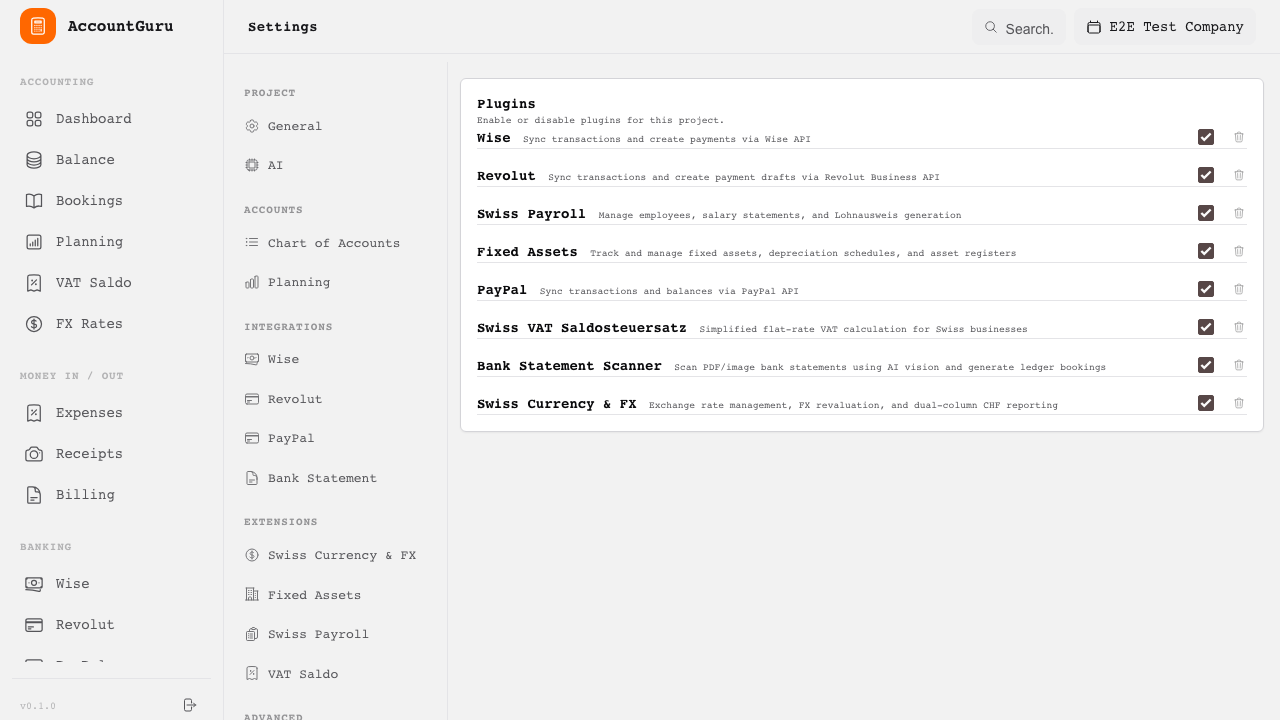
Enable and configure optional modules and integrations.
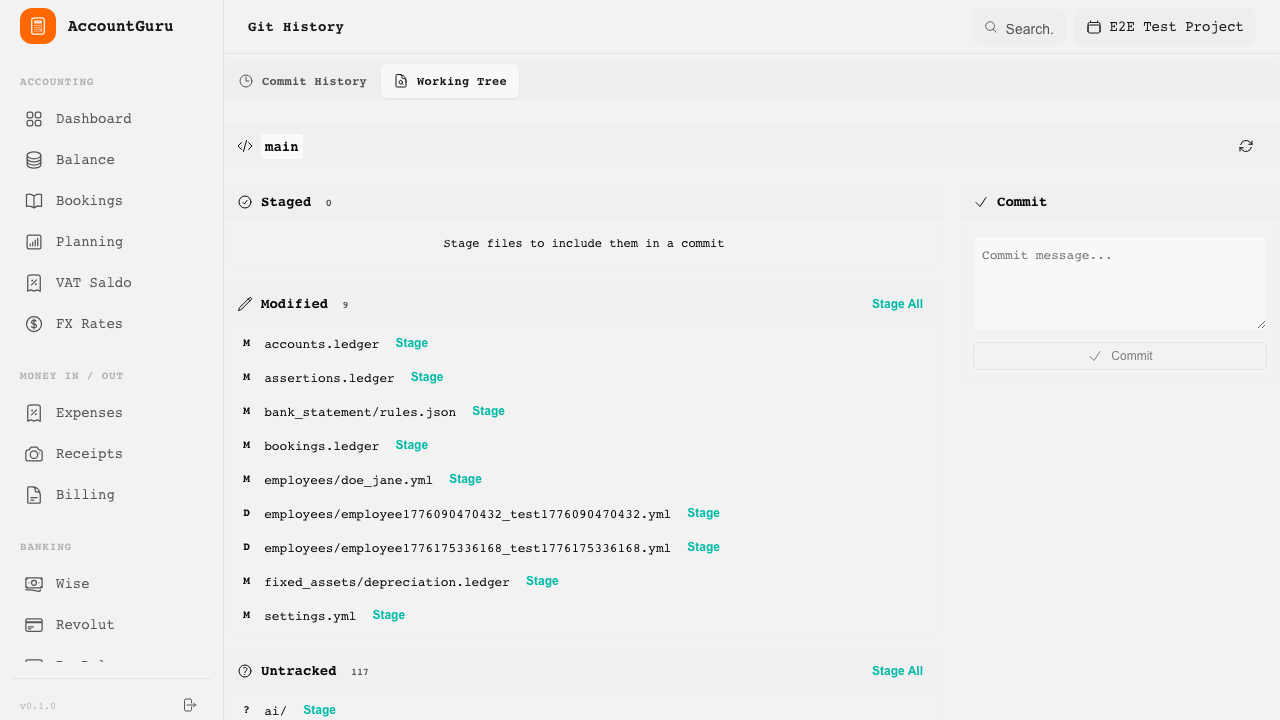
Review Git-based change history for auditability and traceability.
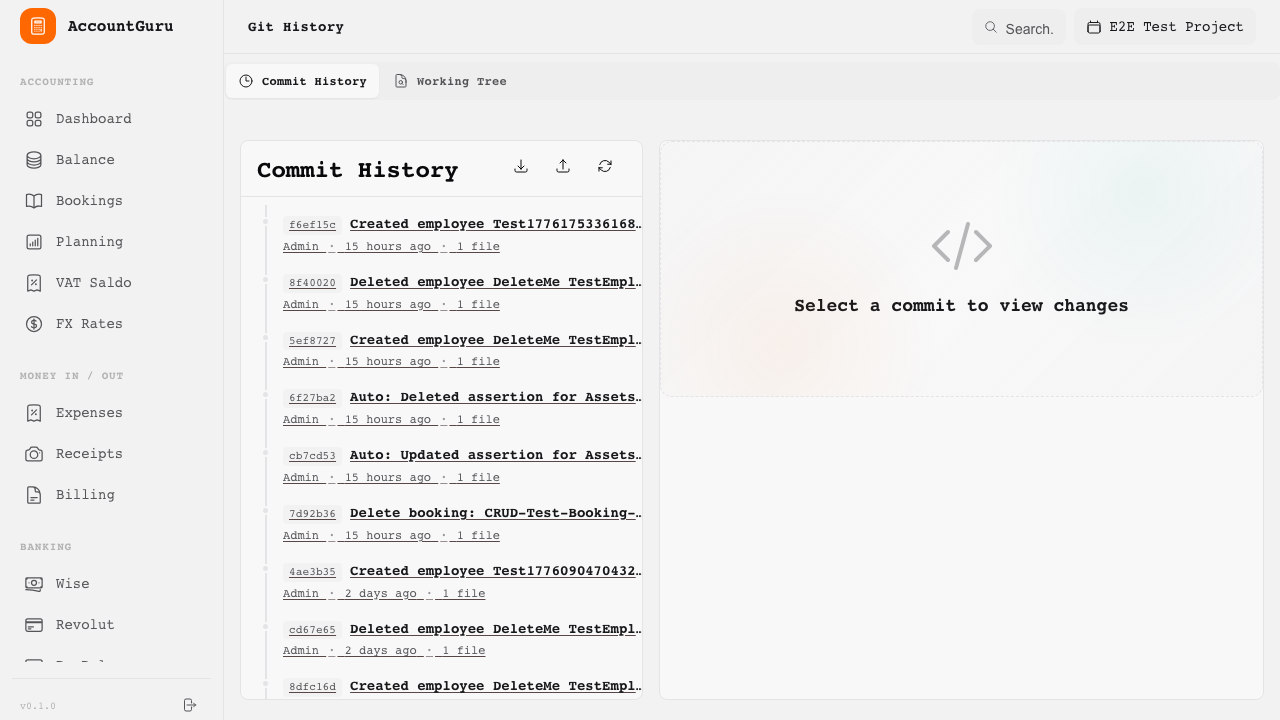
Stage, unstage, and commit changes directly from the browser.
This table summarises which major functions are already available and which ones are planned for future implementation.
| Feature | Status | Notes |
|---|---|---|
| Sales Invoices & Payments | ✓ Implemented | - |
| Purchase Bills & Expenses | ✓ Implemented | - |
| Receipt OCR | ✓ Implemented | - |
| Batch Receipt Upload | ✓ Implemented | - |
| Bank Reconciliation (Revolut) | ✓ Implemented | - |
| Bank Reconciliation (Wise) | ✓ Implemented | - |
| Bank Reconciliation (PayPal) | ✓ Implemented | - |
| Bank Statement Scanner (AI) | ✓ Implemented | - |
| Payroll Posting | ✓ Implemented | - |
| Lohnausweis Generation | ✓ Implemented | - |
| QR-Bill Generation | ○ Planned | Swiss QR-bill for invoices |
| VAT Code Management | ○ Planned | VAT codes on transactions |
| Balance Sheet | ✓ Implemented | - |
| Profit & Loss Statement | ✓ Implemented | - |
| VAT Saldo Report | ✓ Implemented | - |
| PDF Export | ✓ Implemented | - |
| Budget vs Actuals | ✓ Implemented | Plan CRUD, manual editing |
| Cost Center Reporting | ○ Planned | - |
| Multi-Currency Support | ✓ Implemented | - |
| Lua Scripting & Templates | ✓ Implemented | - |
| Full-Text Search | ✓ Implemented | - |
| File Management | ✓ Implemented | - |
| Version History (Git) | ✓ Implemented | - |
| Setup Wizard | ✓ Implemented | - |
| Period Close | ○ Planned | Fiscal year closing |
| Opening Balance Carry-Forward | ○ Planned | - |
| Asset Depreciation | ✓ Implemented | Straight-line, declining balance, sum-of-years |
| FX Revaluation | ○ Planned | - |
| CAMT.053 Import | ○ Planned | ISO 20022 bank statements |
| pain.001 Export | ○ Planned | ISO 20022 payments |